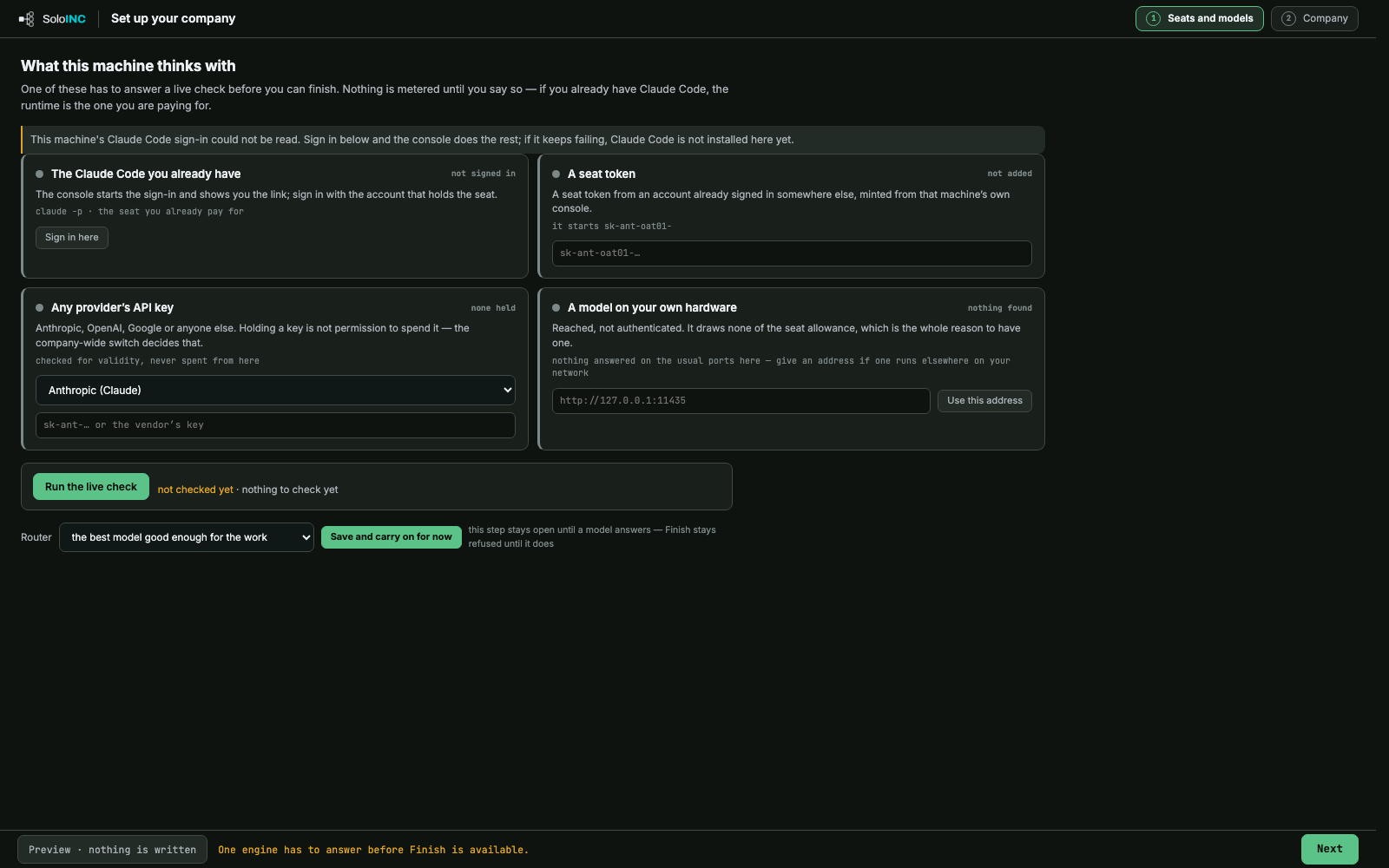
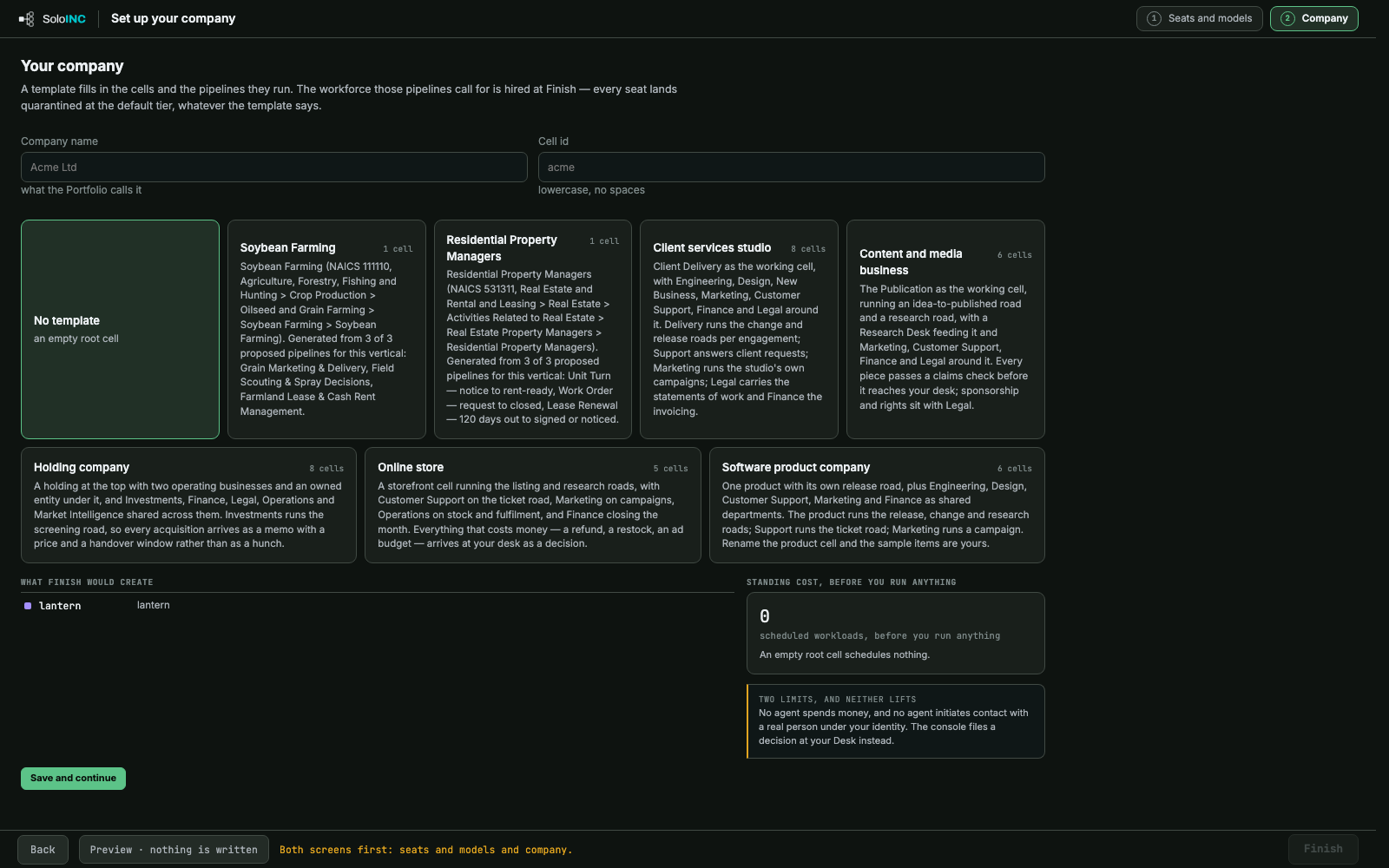
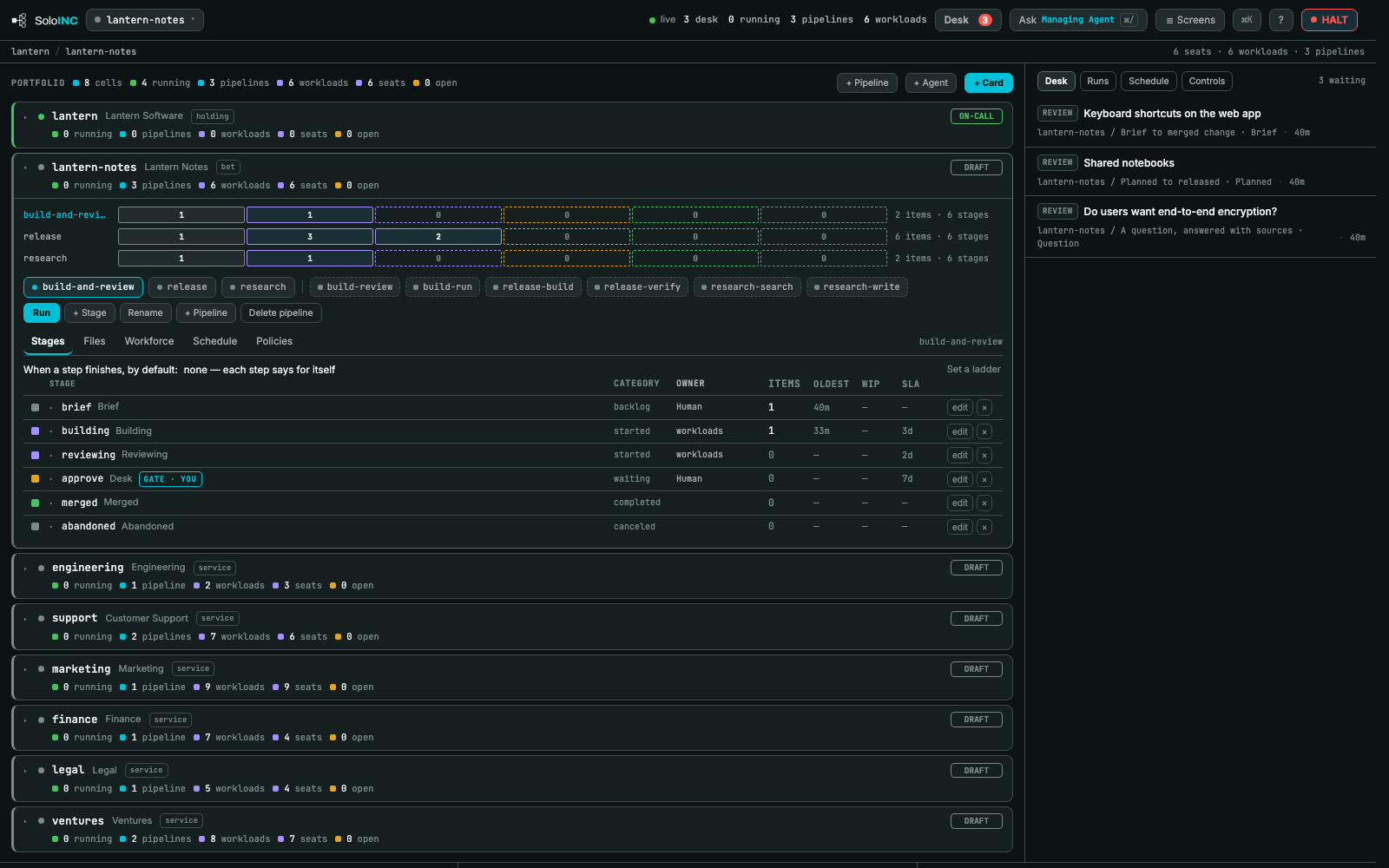
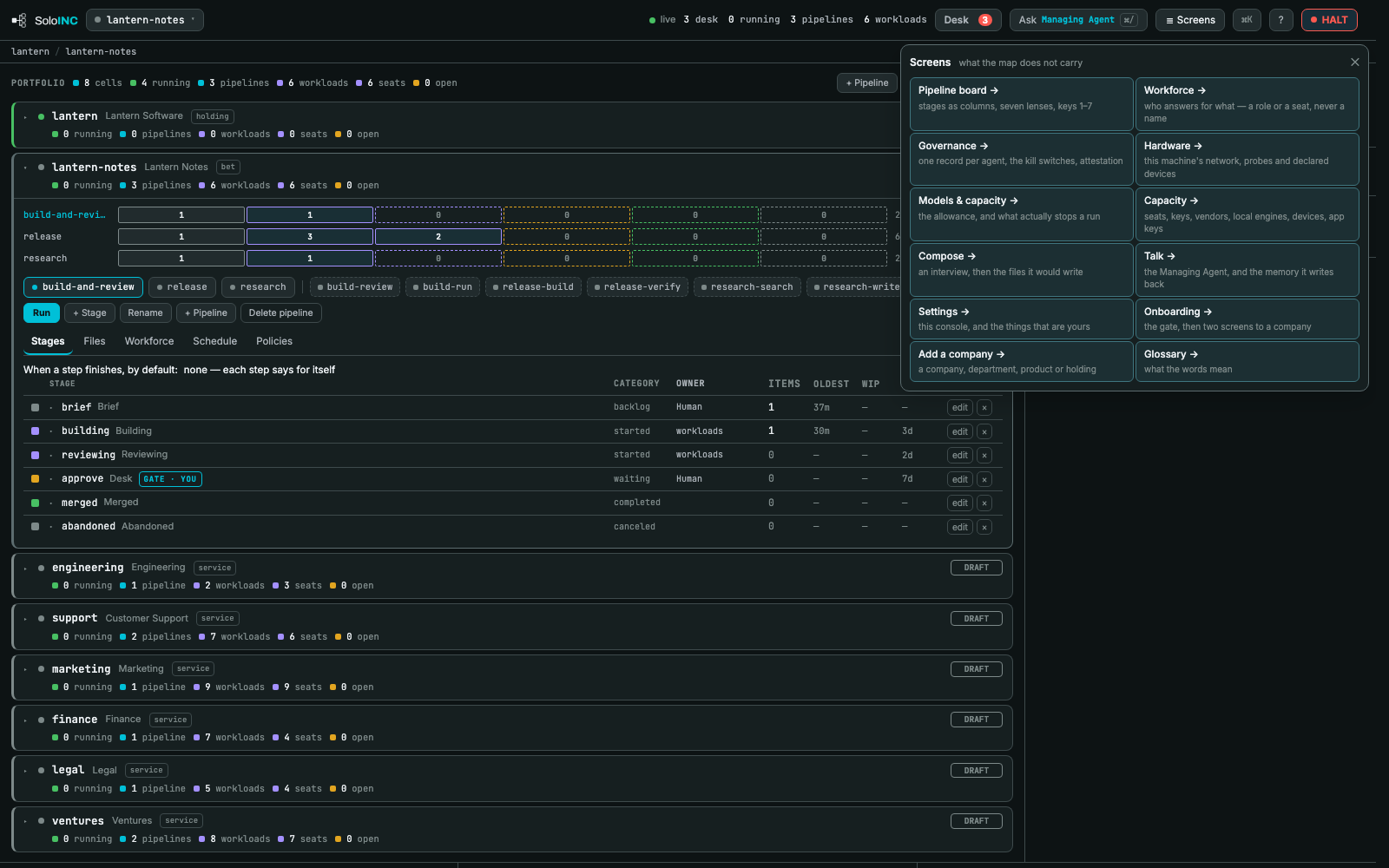
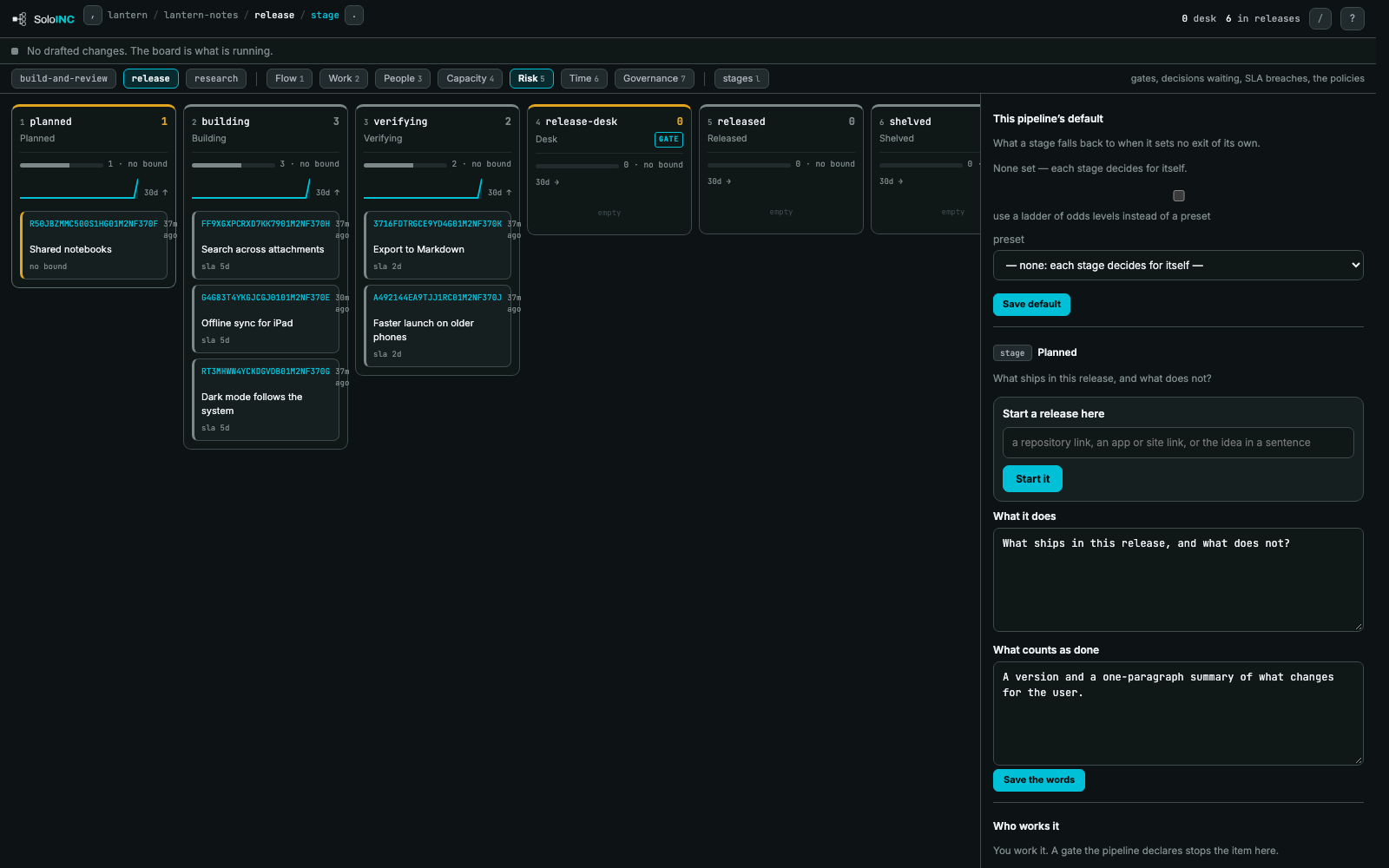
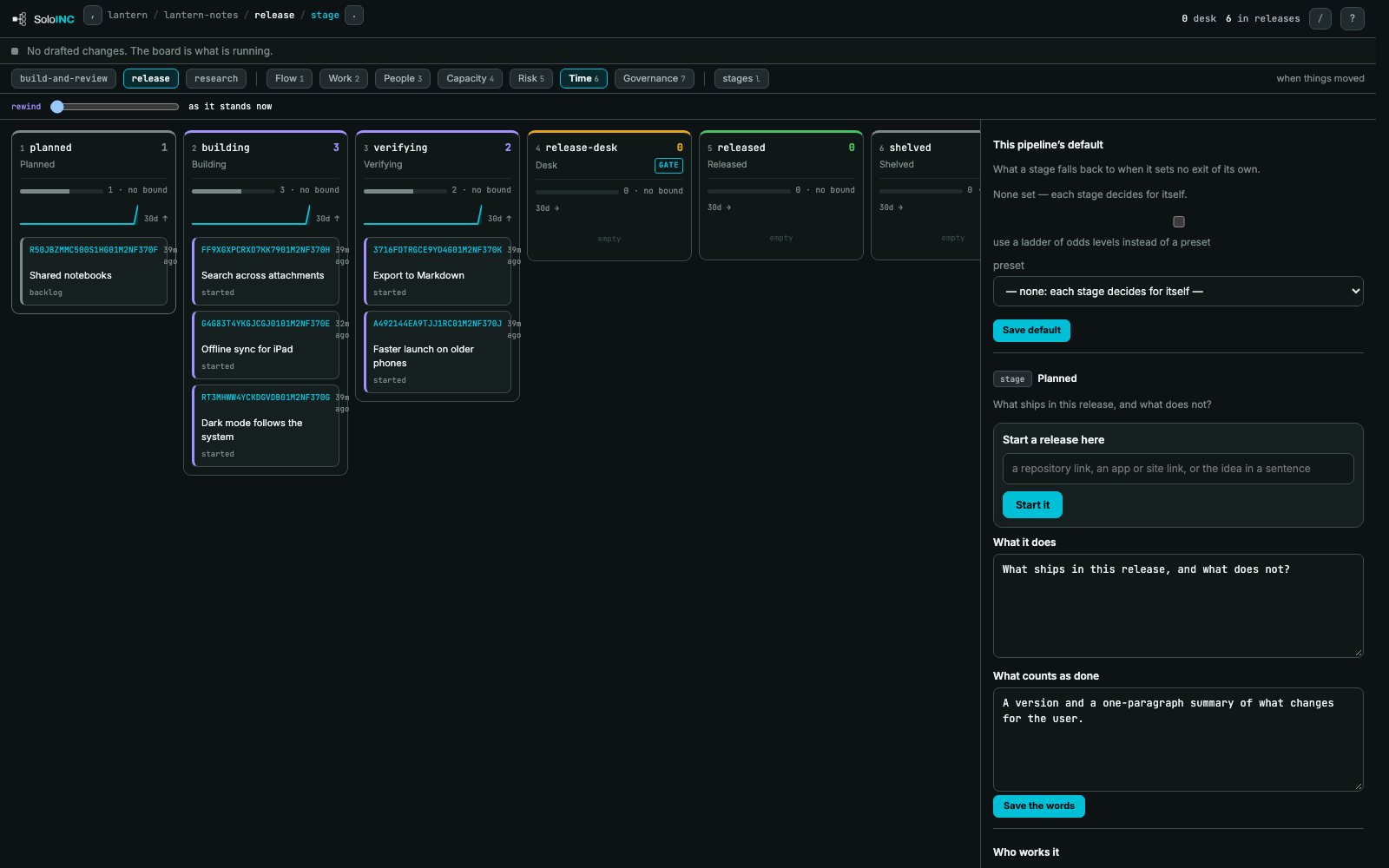
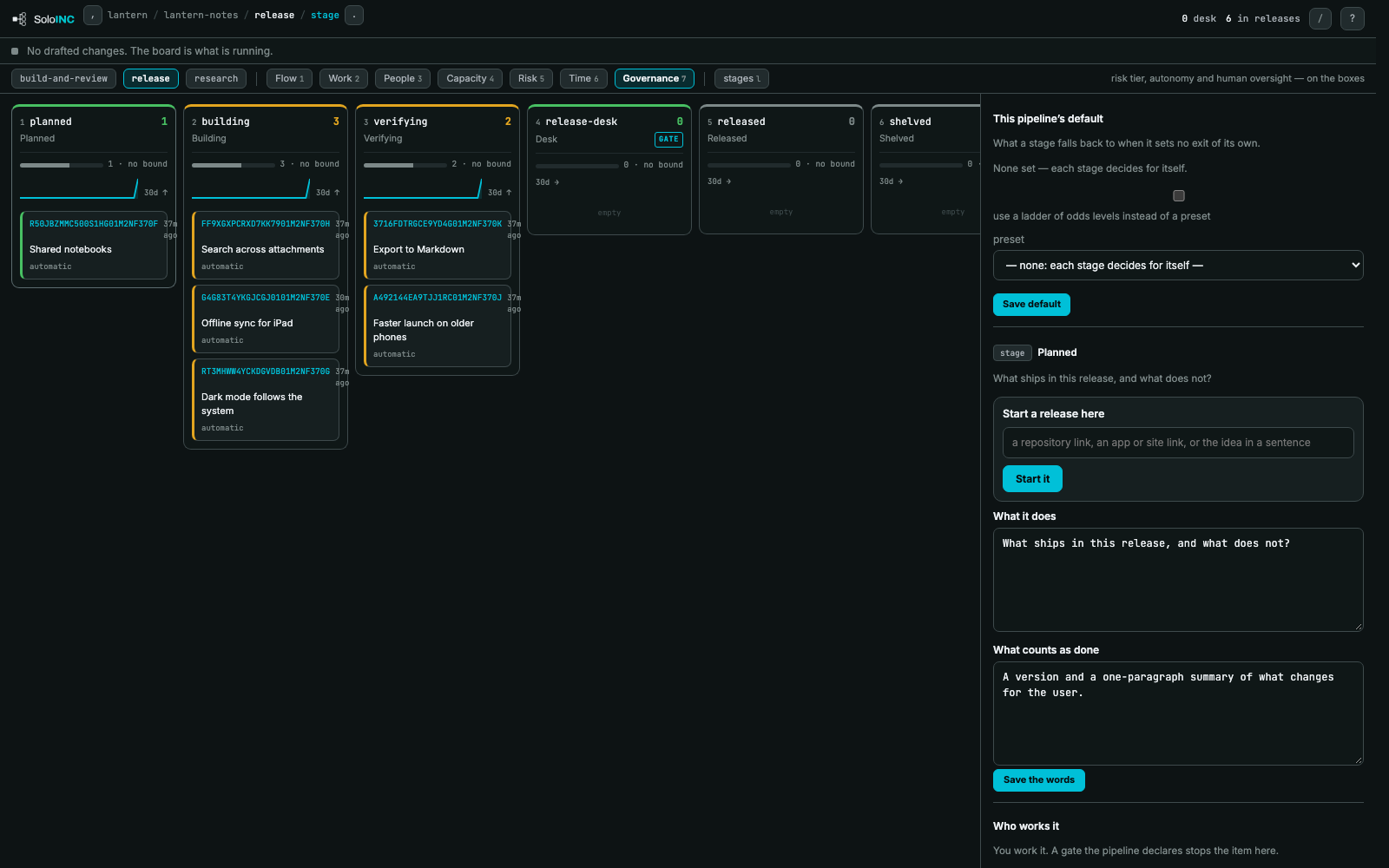
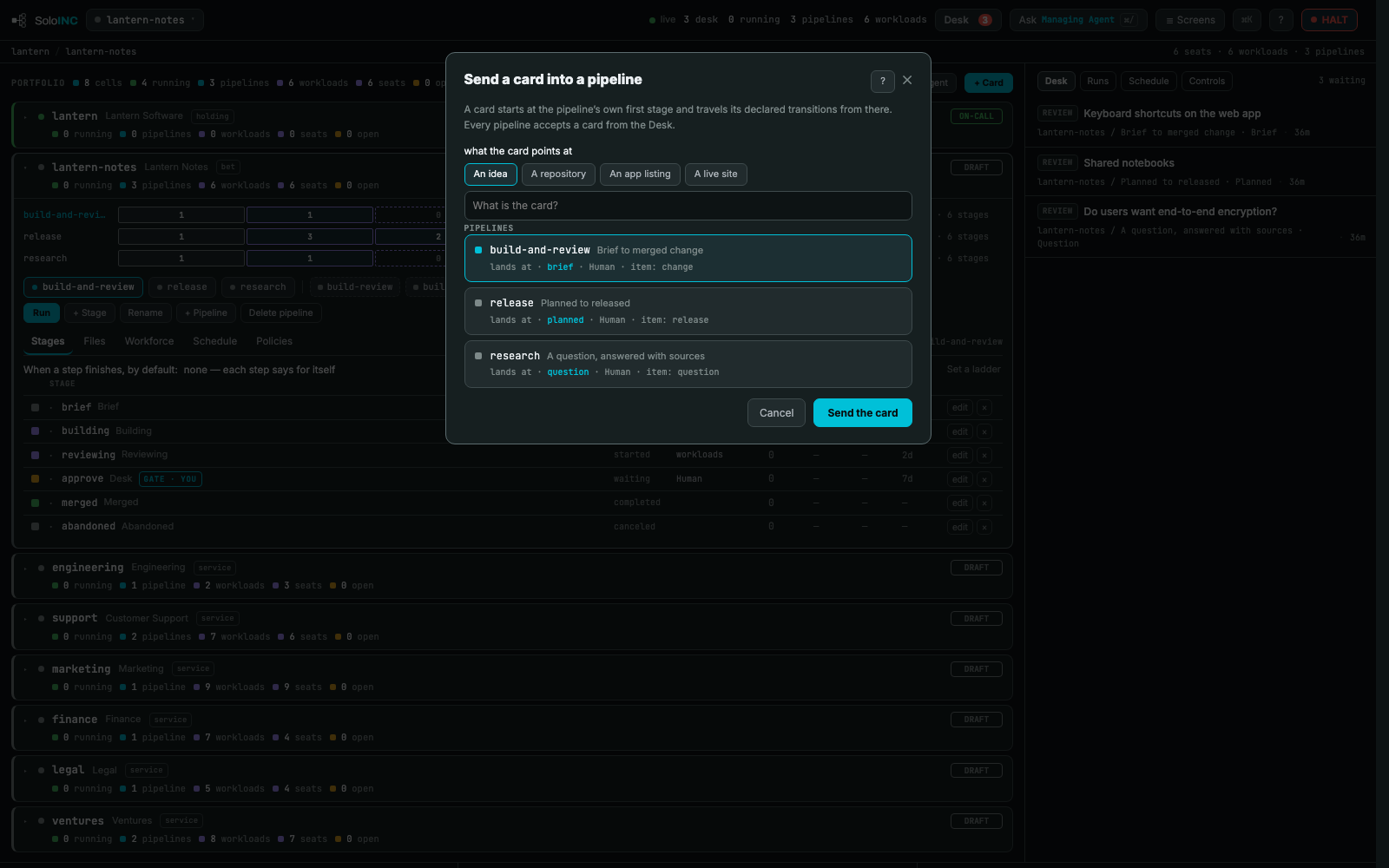
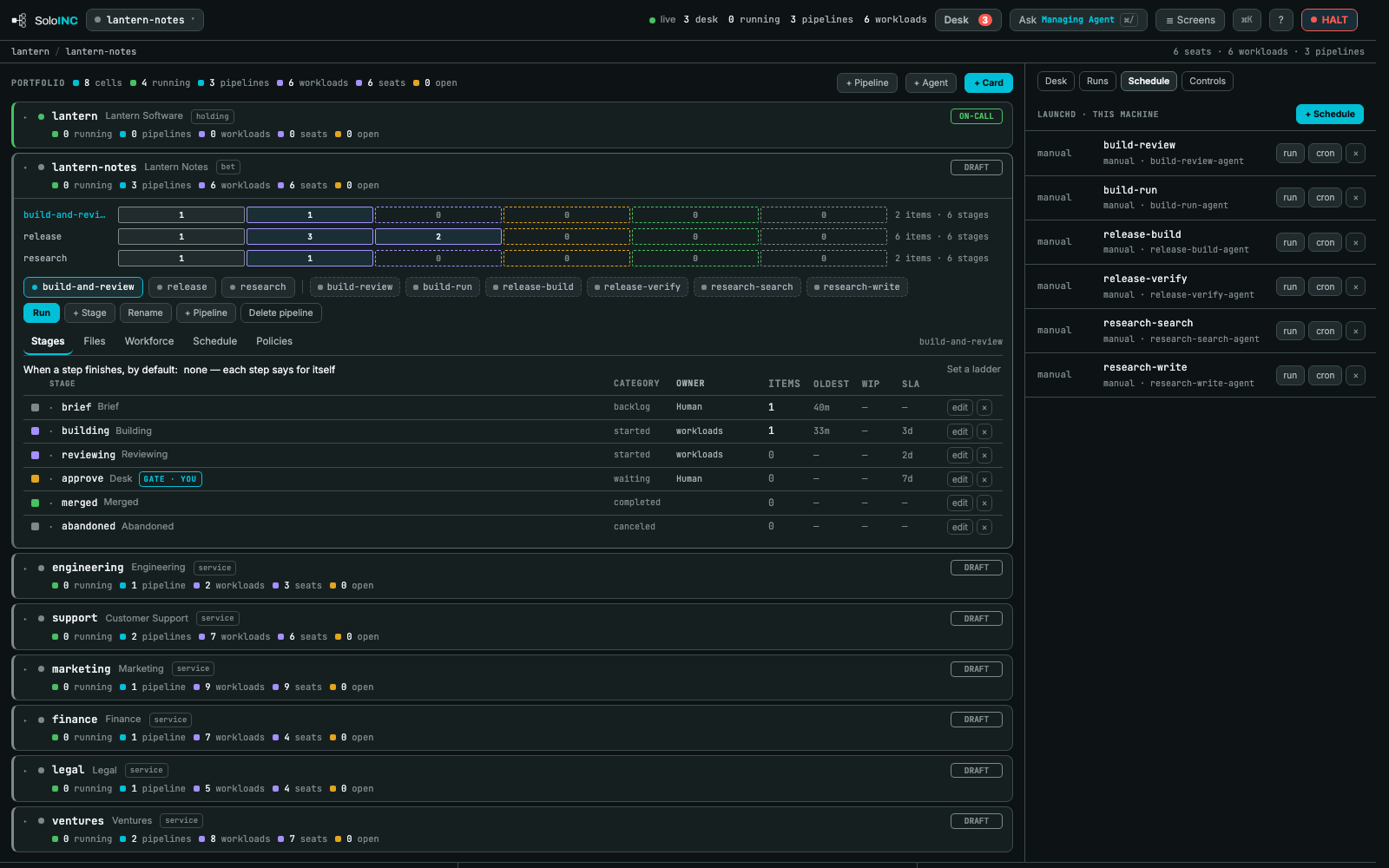
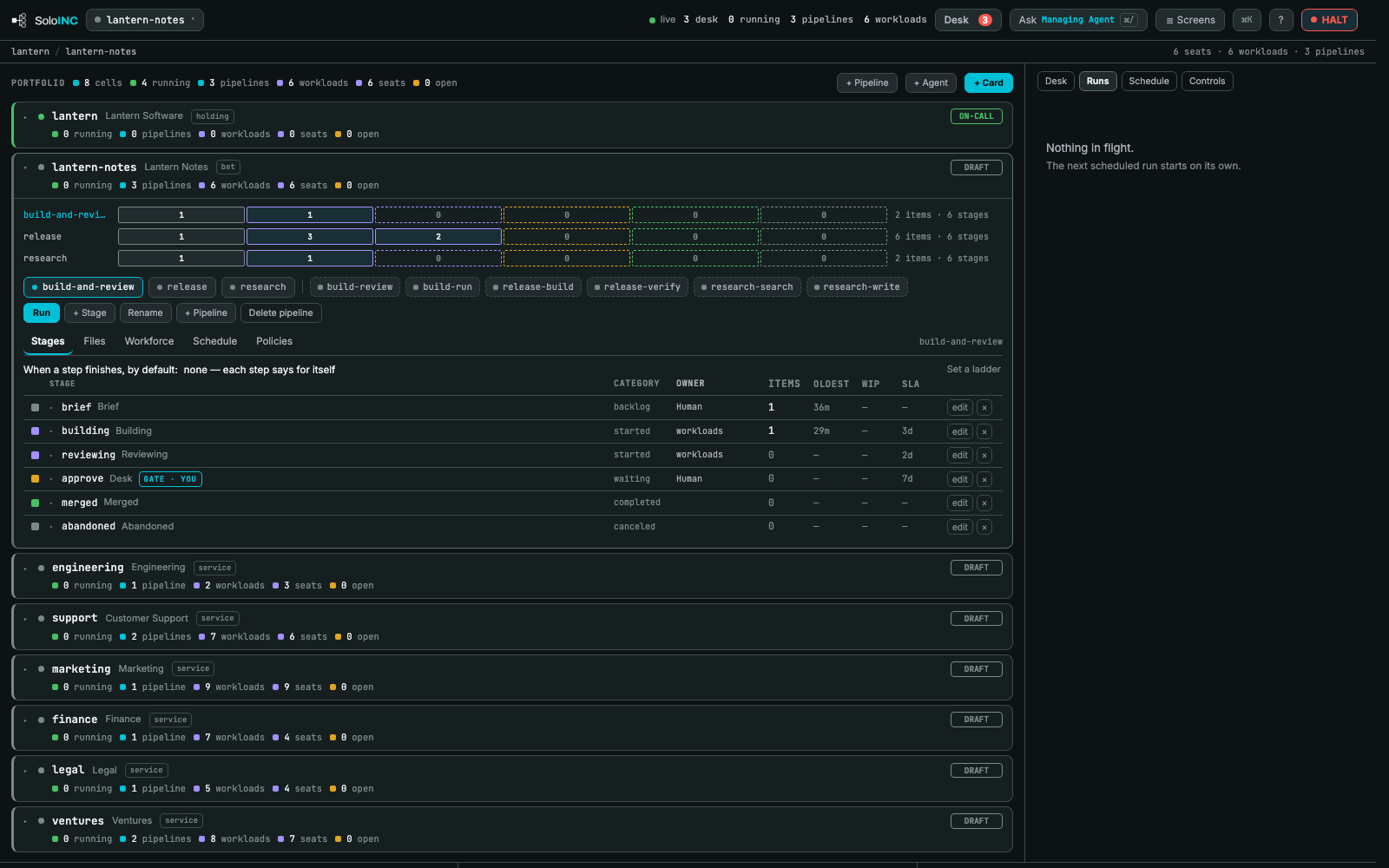
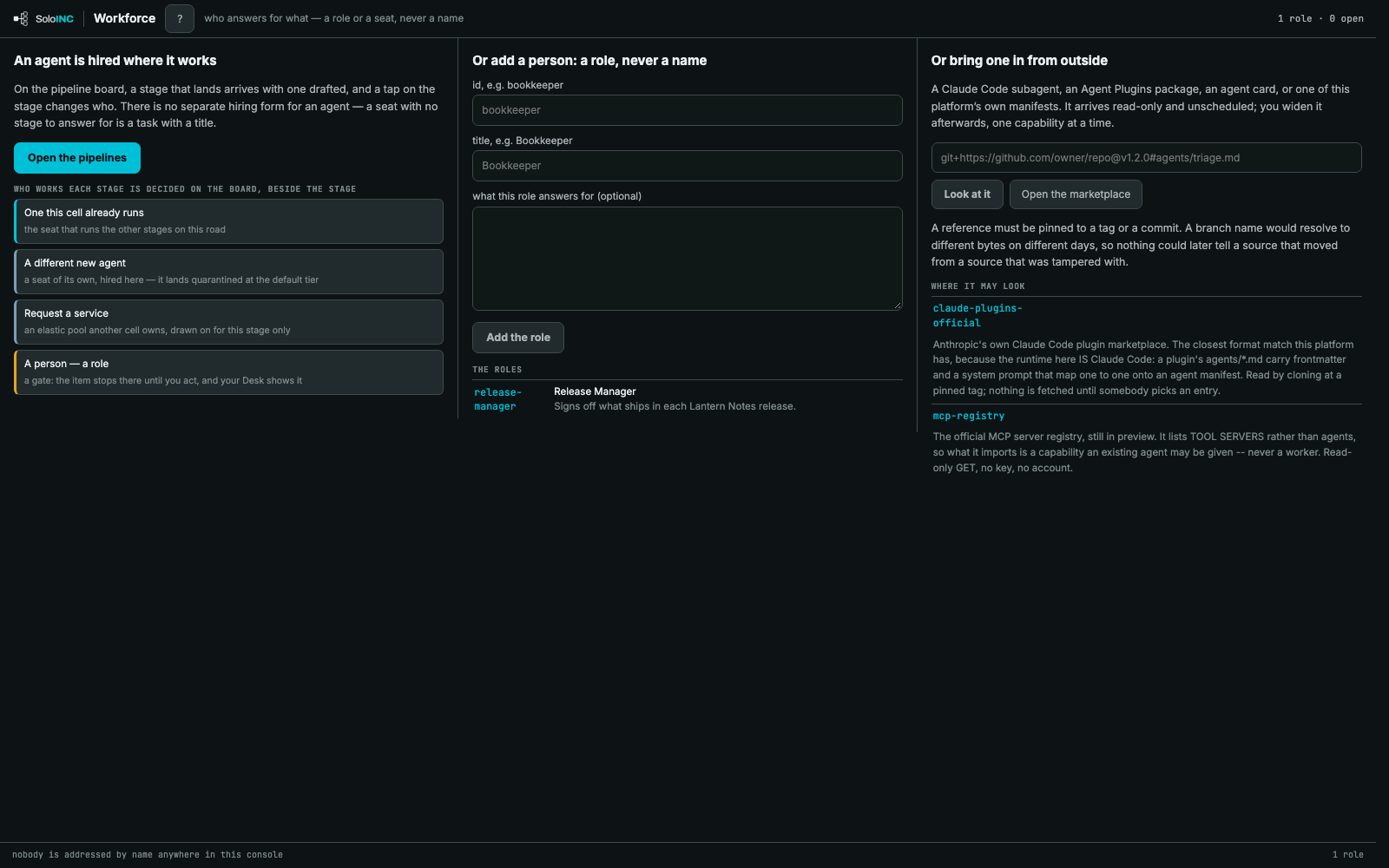
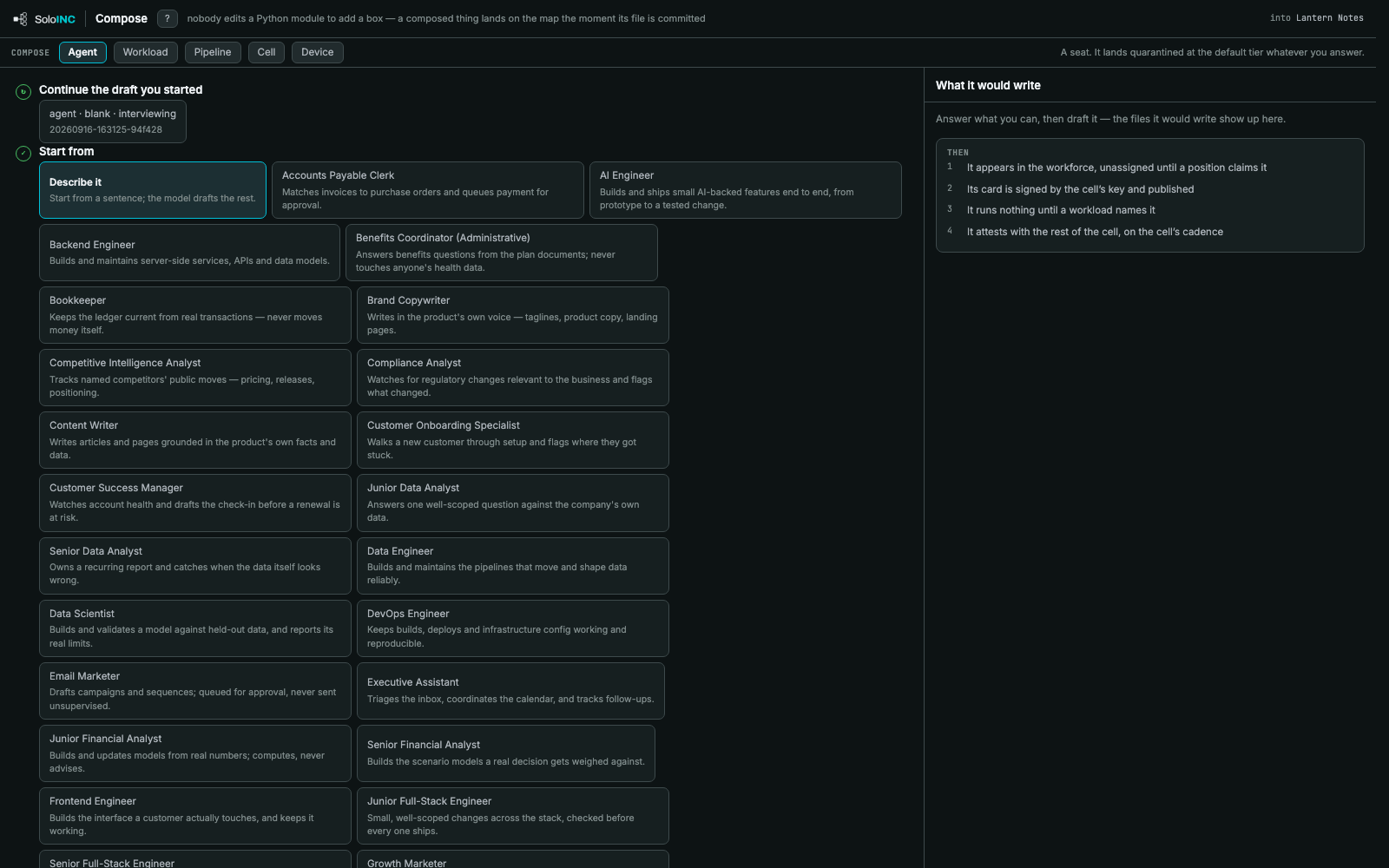
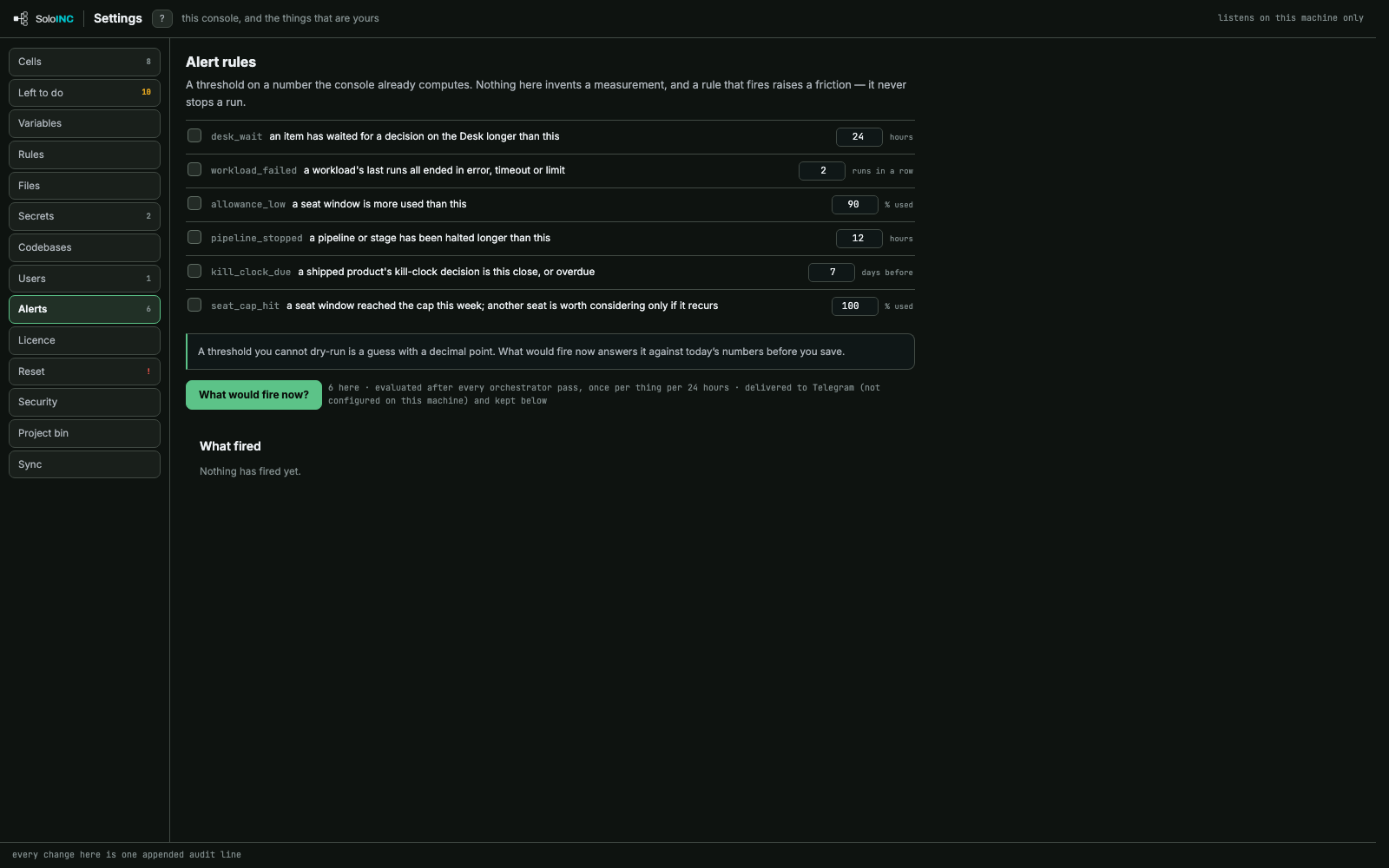
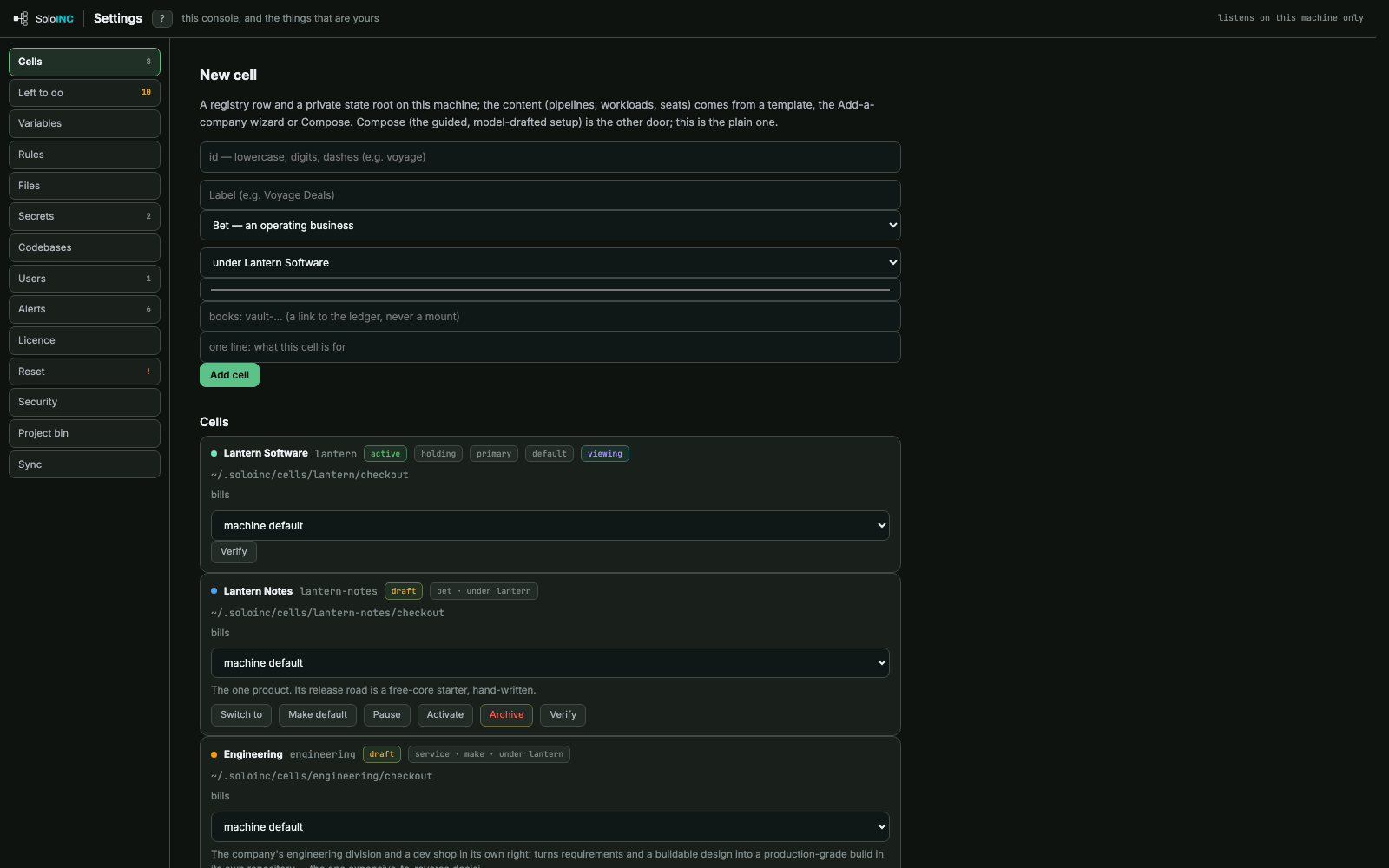
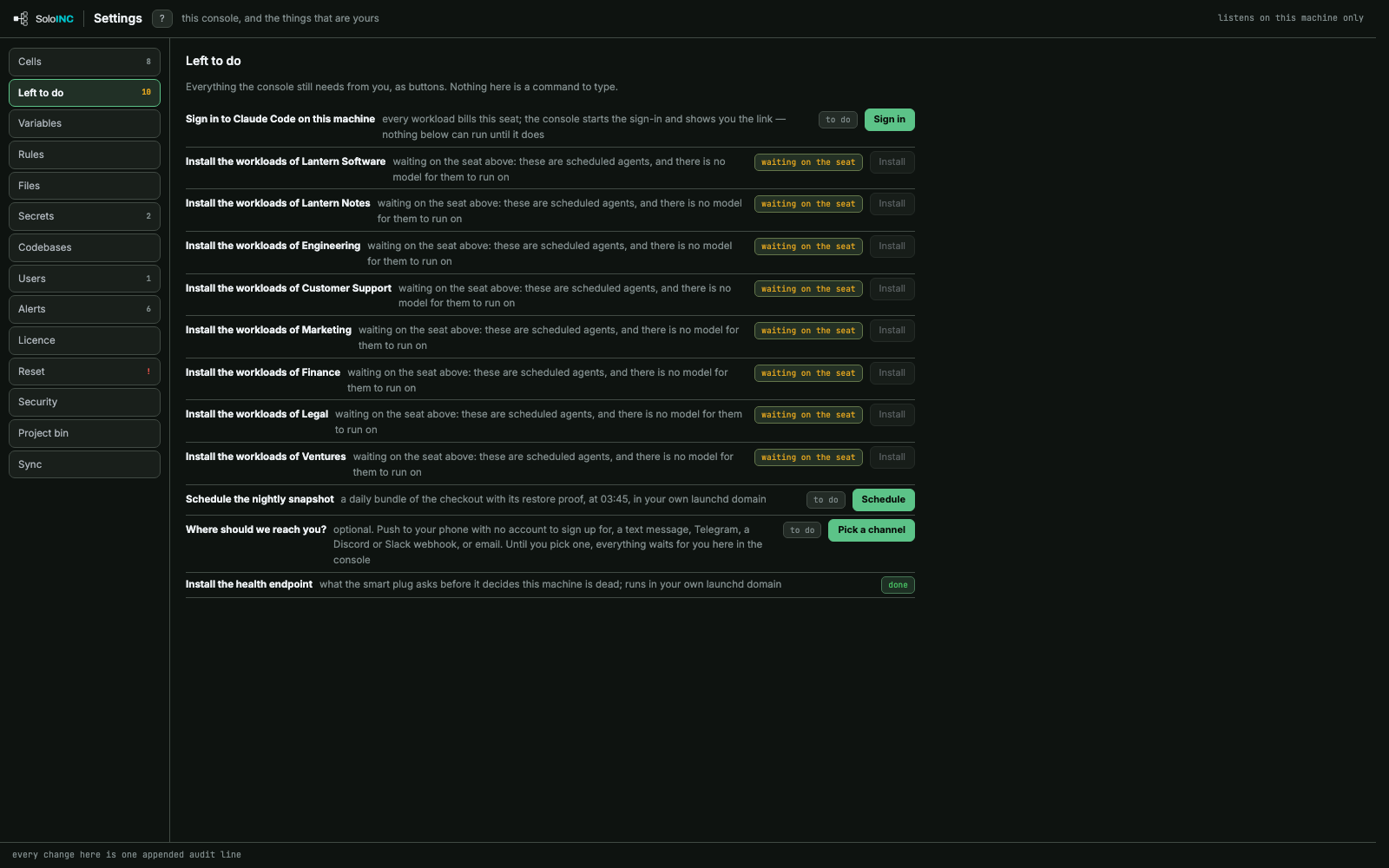
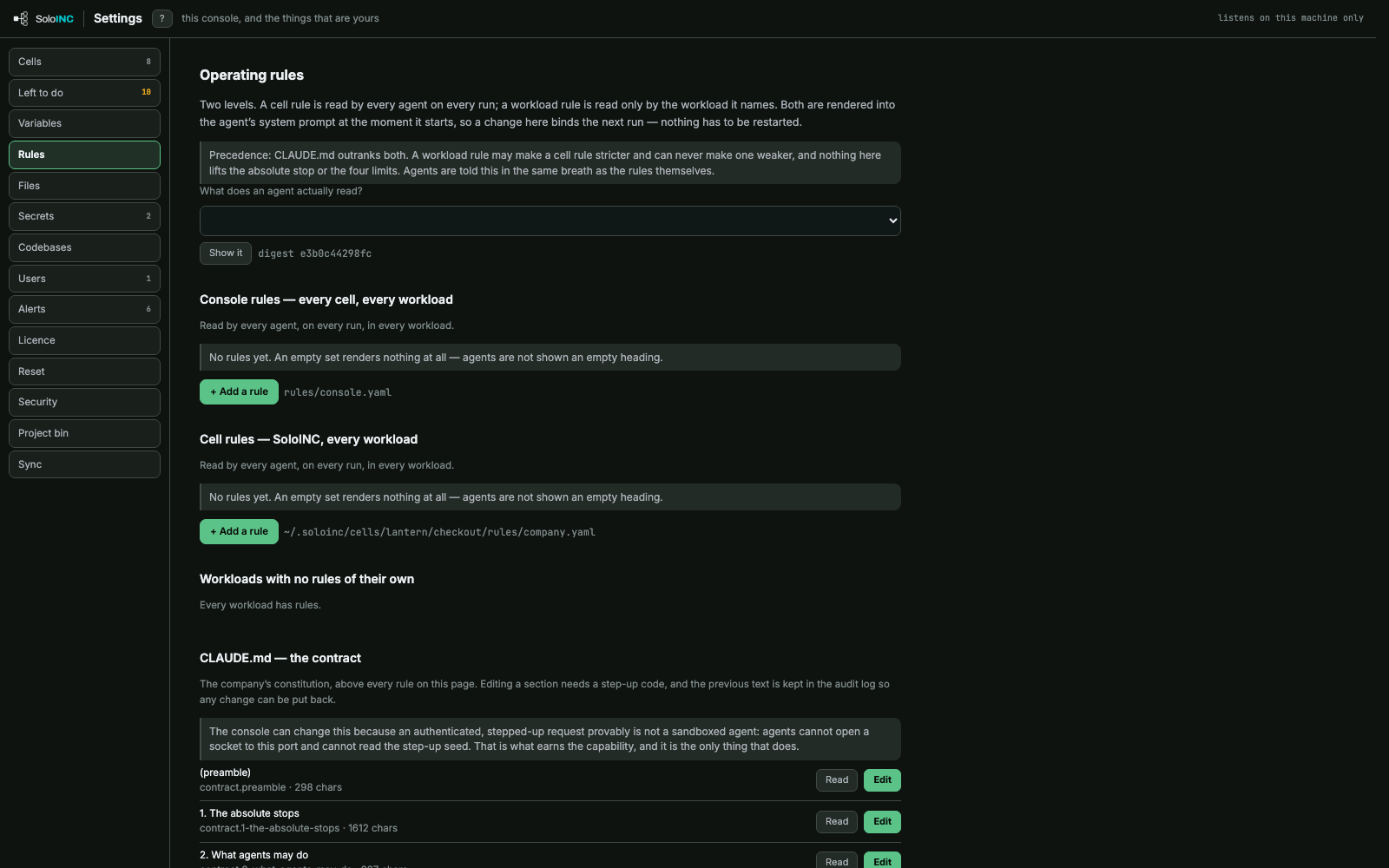
All 45 screens of the SoloINC console, in the order you meet them. Press any one to see it full size.
The console's own screens, on a fictional company.
Start
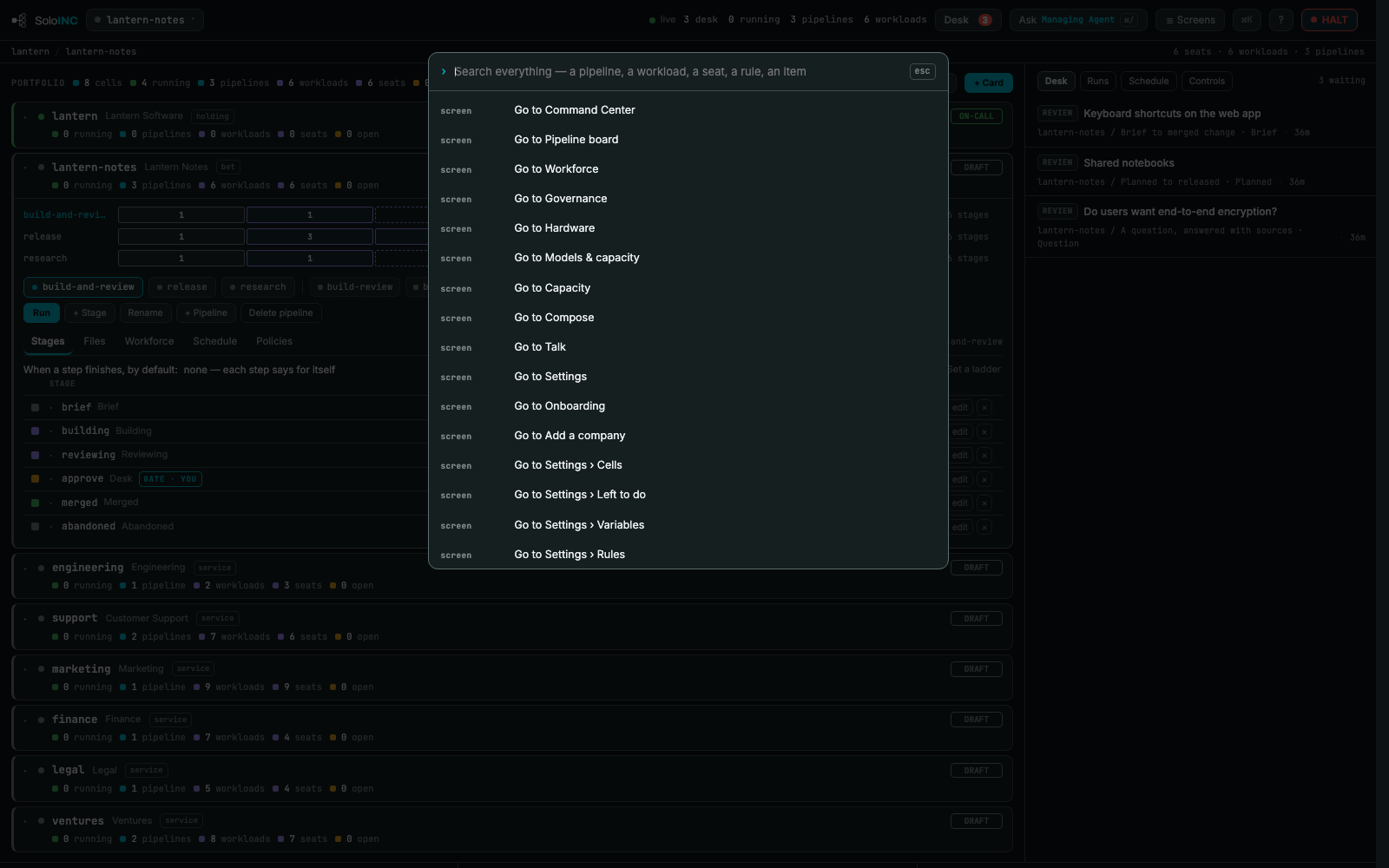
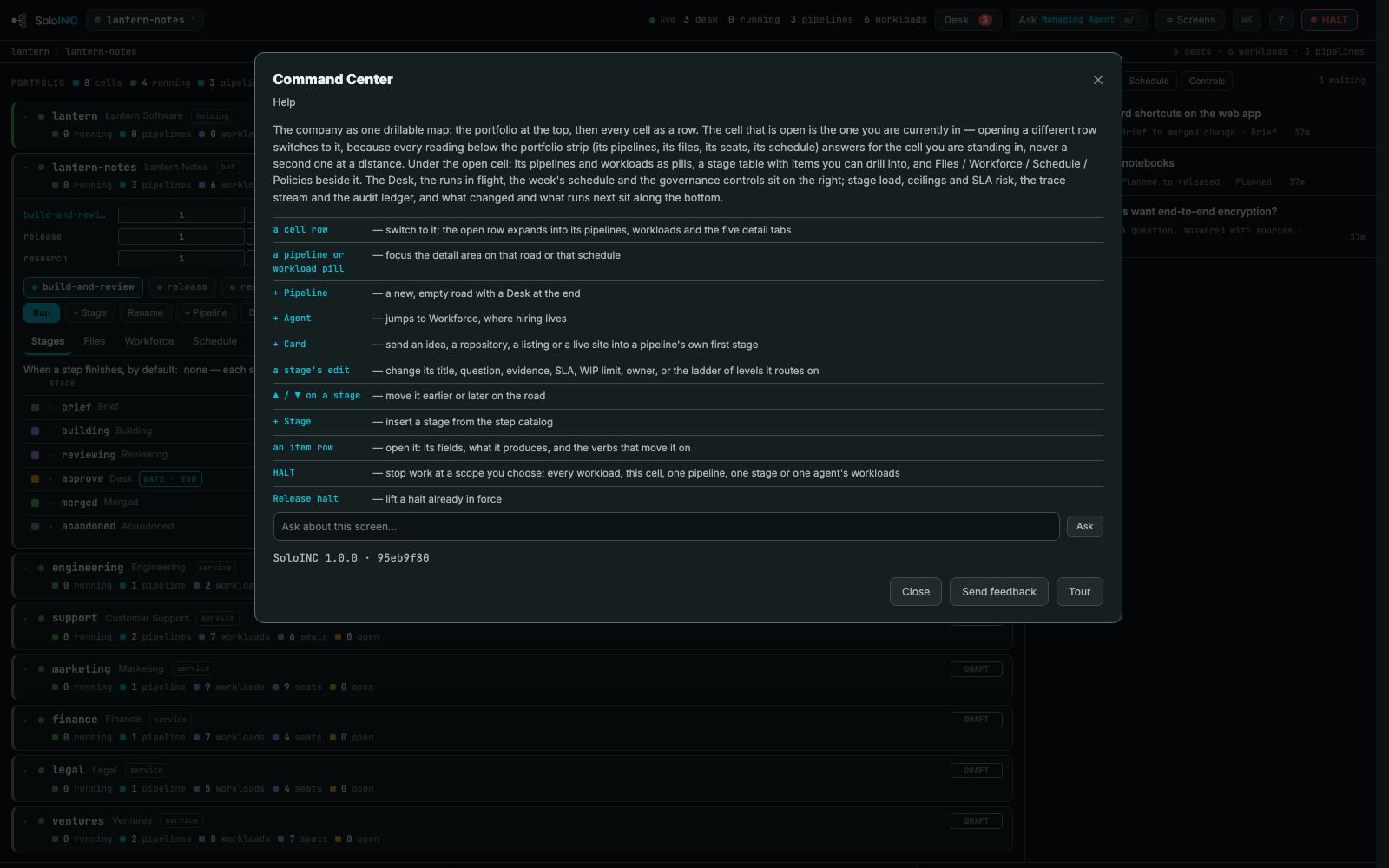
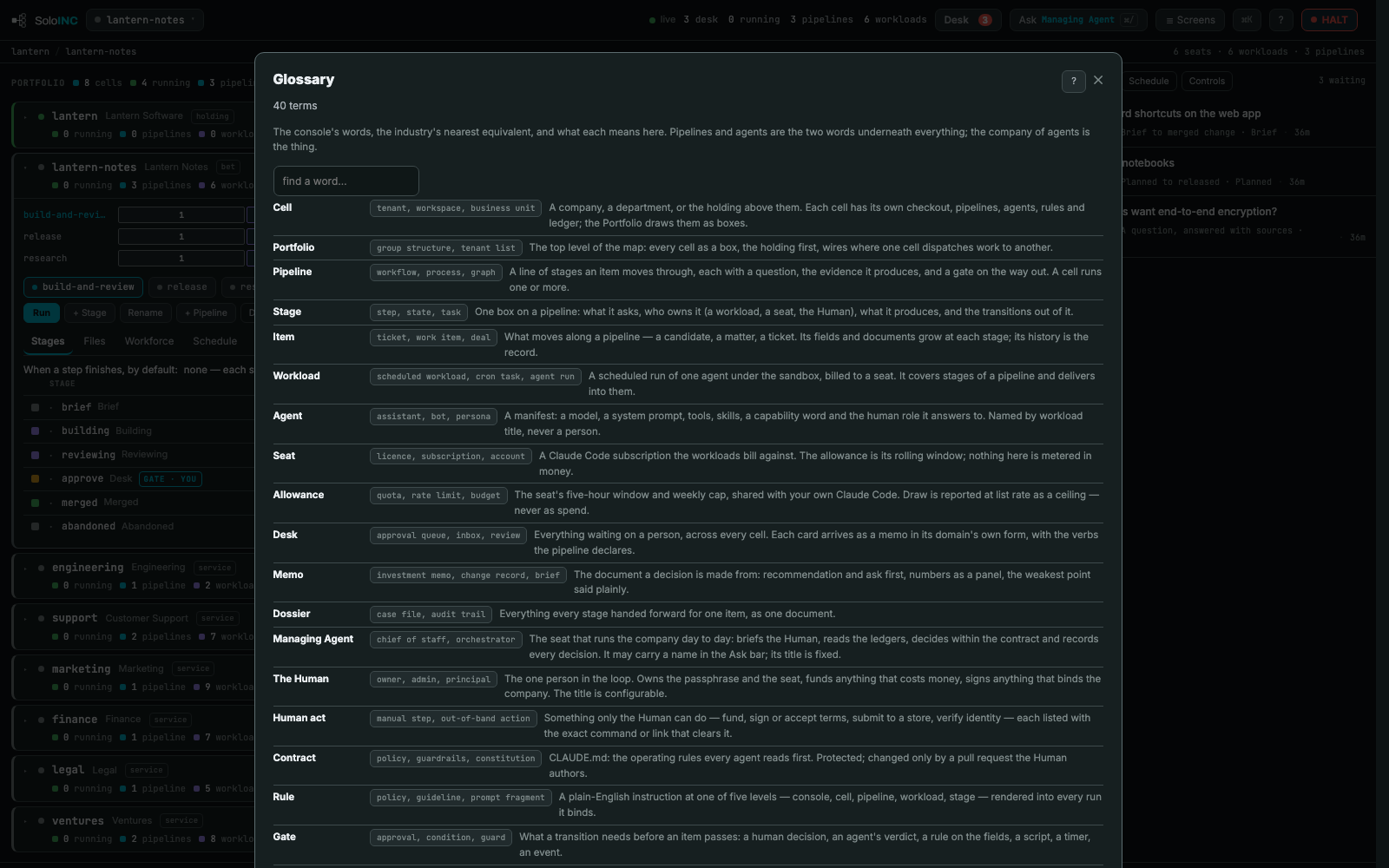
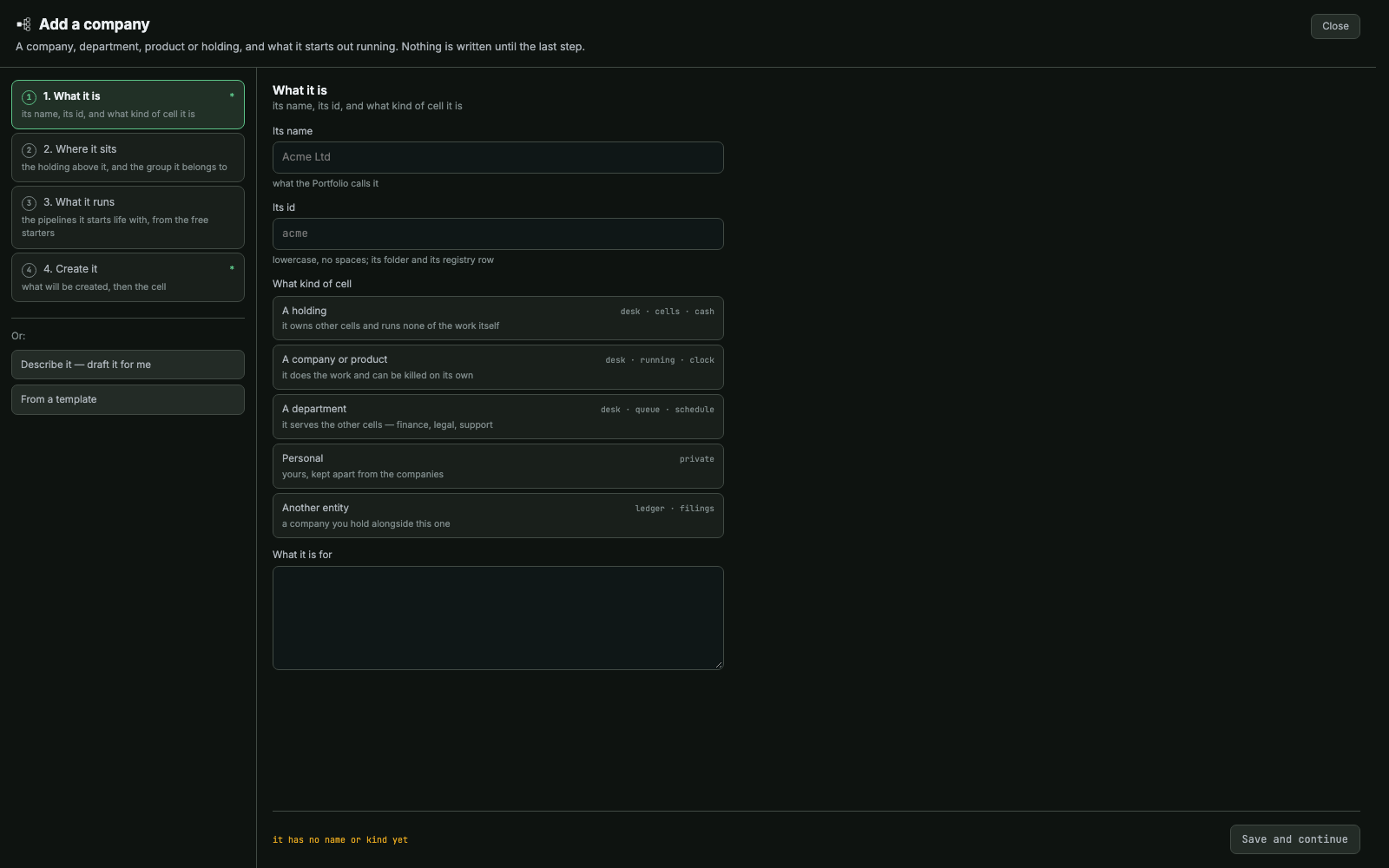
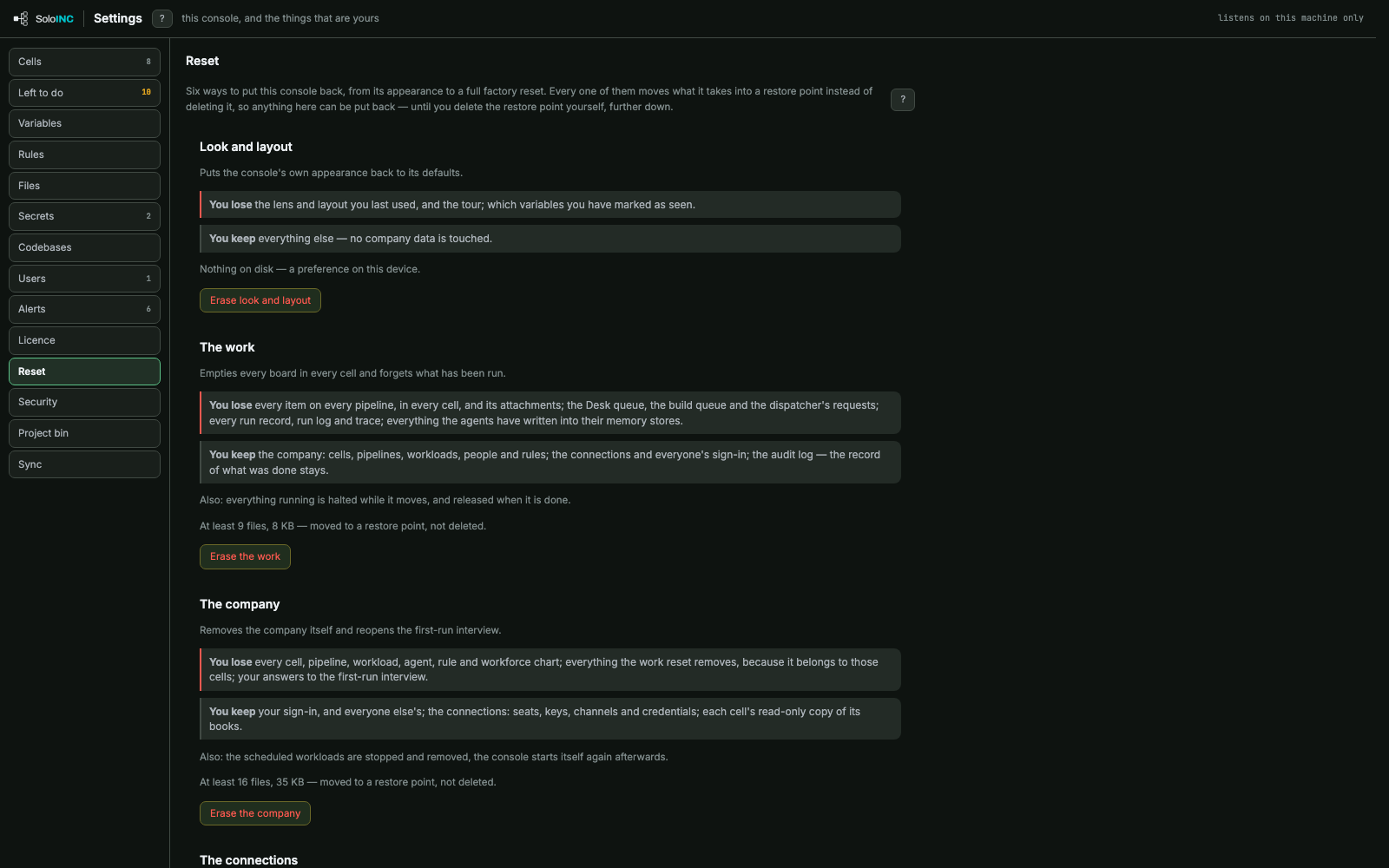
Set up your companyThe first run's seat screen: sign in to Claude Code, paste a seat token, add a key or a local model, then check it live.Your companyName the company and pick a template; the screen lists the cells Finish would create and the standing cost before anything runs.Command CenterThe whole company as one map: every cell as a row, the open cell's pipelines as strips of stage boxes, the Desk on the right.ScreensThe menu of every screen the map does not carry, each with a one-line description of what it holds.Search everythingThe ⌘K palette: jump to any screen, pipeline, workload, seat, rule or item by typing.HelpHelp for the screen you are on: what each control does, a box to ask about the screen, feedback and the tour.GlossaryThe console's words beside the industry's nearest equivalents, with what each one means here.Add a companyA four-step wizard for a new company, department, product or holding; nothing is written until the last step.
Run the company
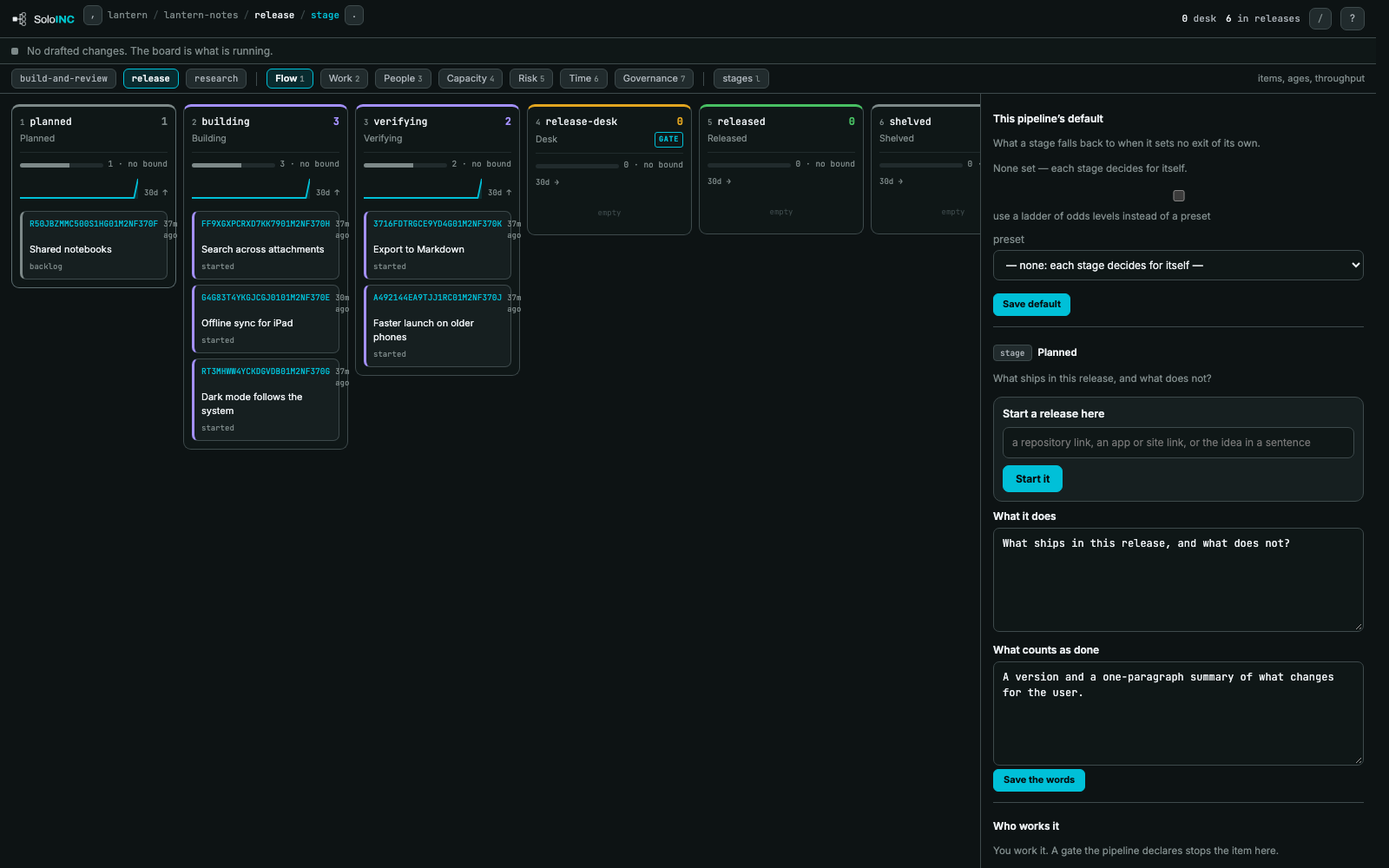
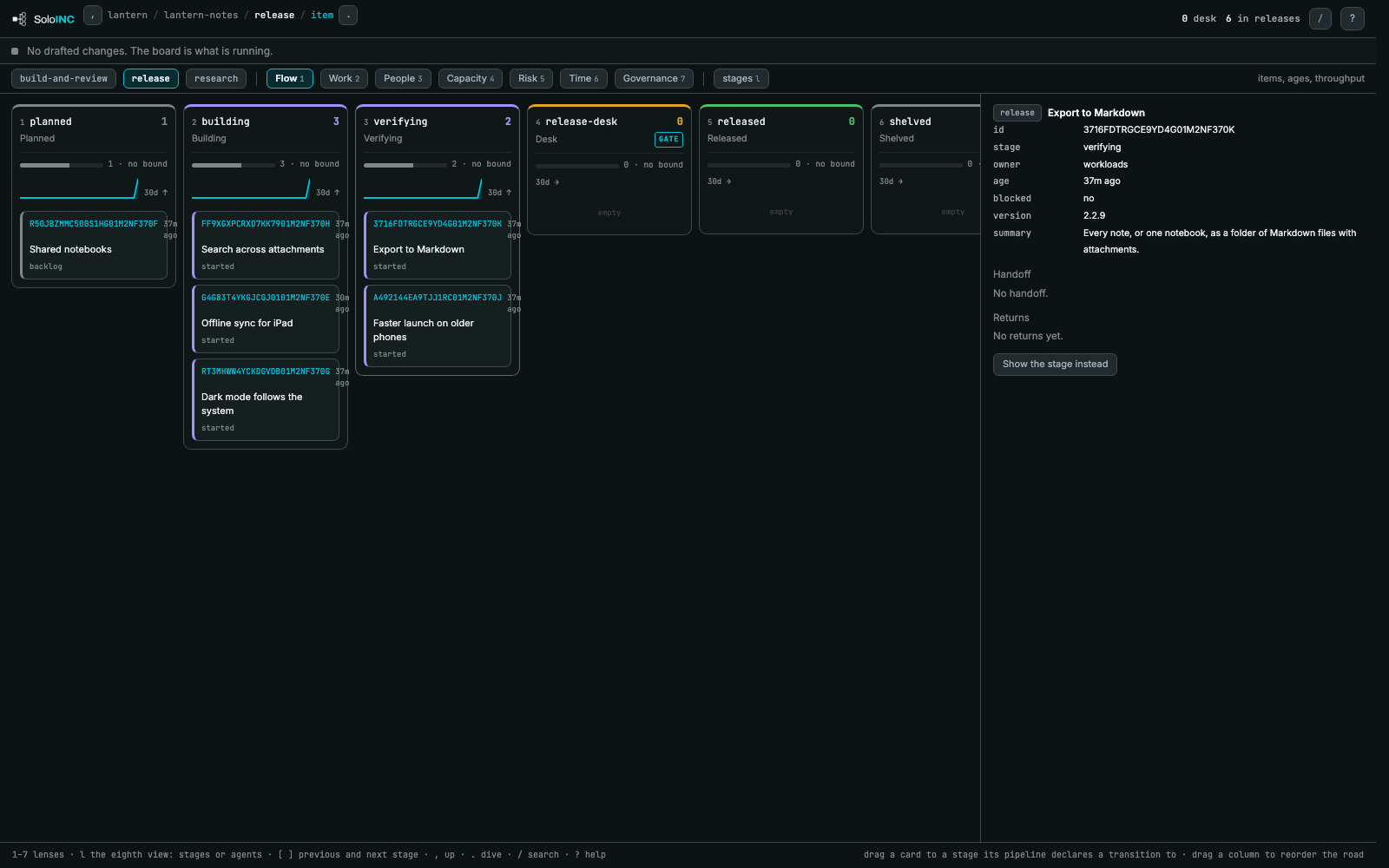
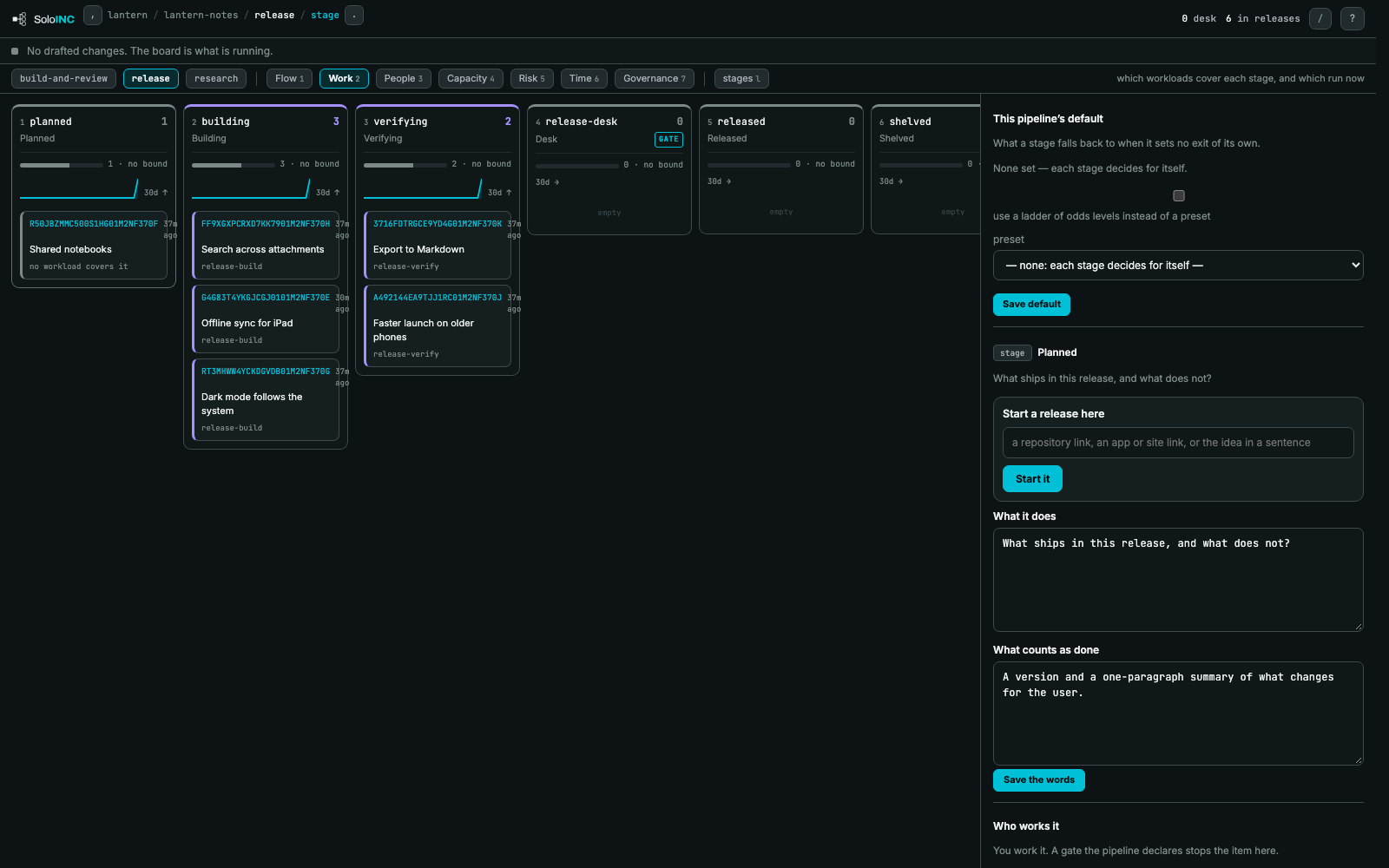
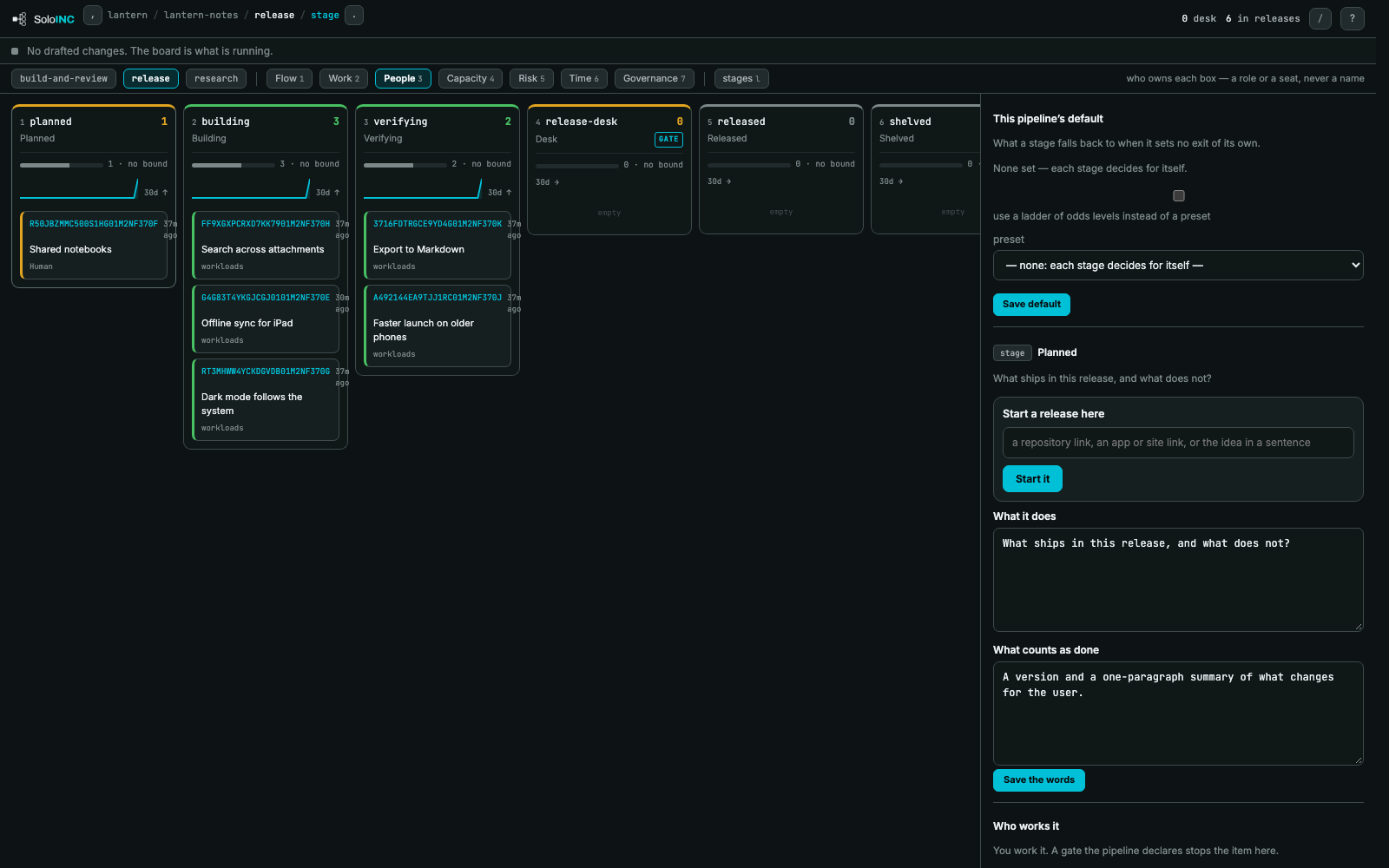
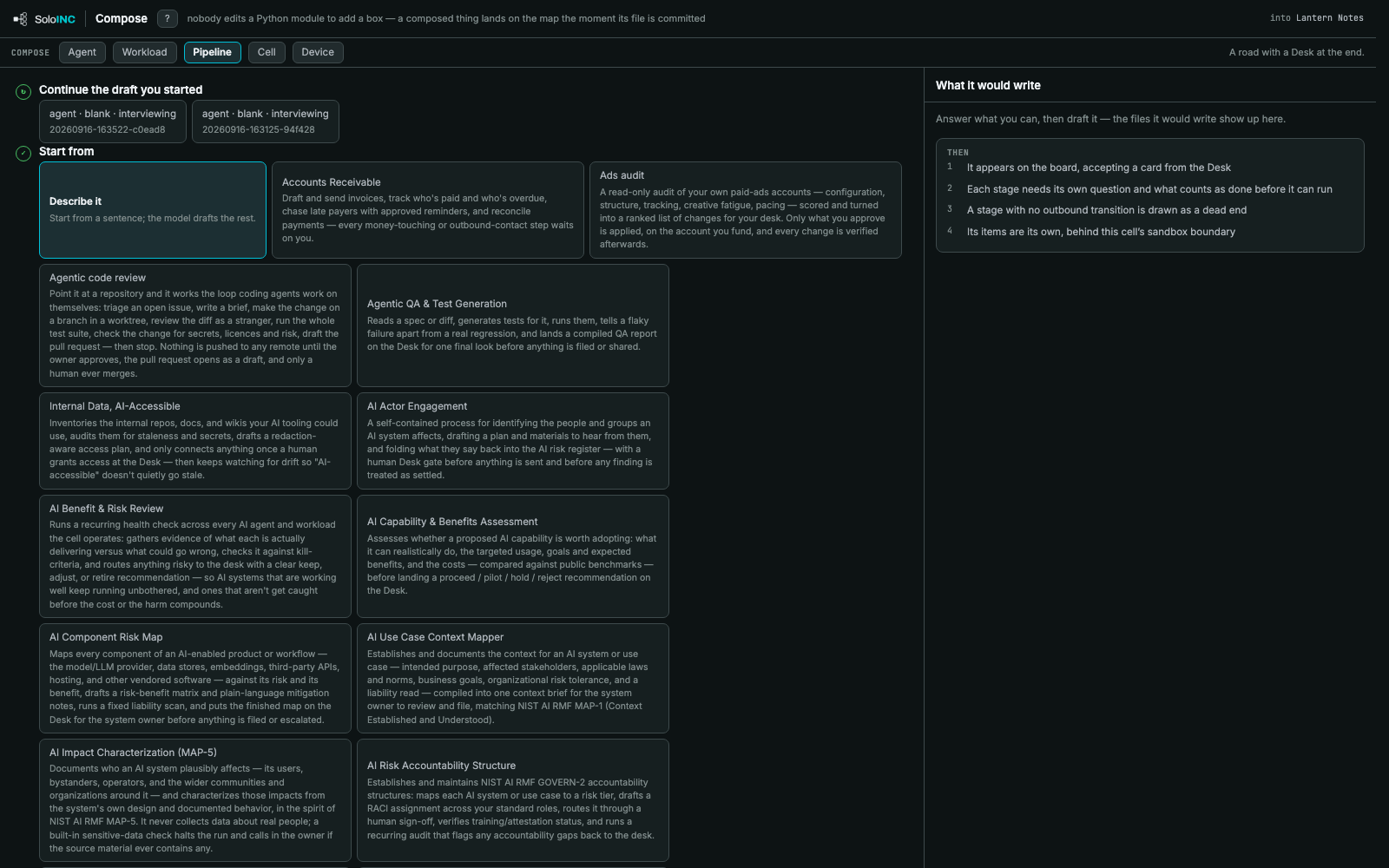
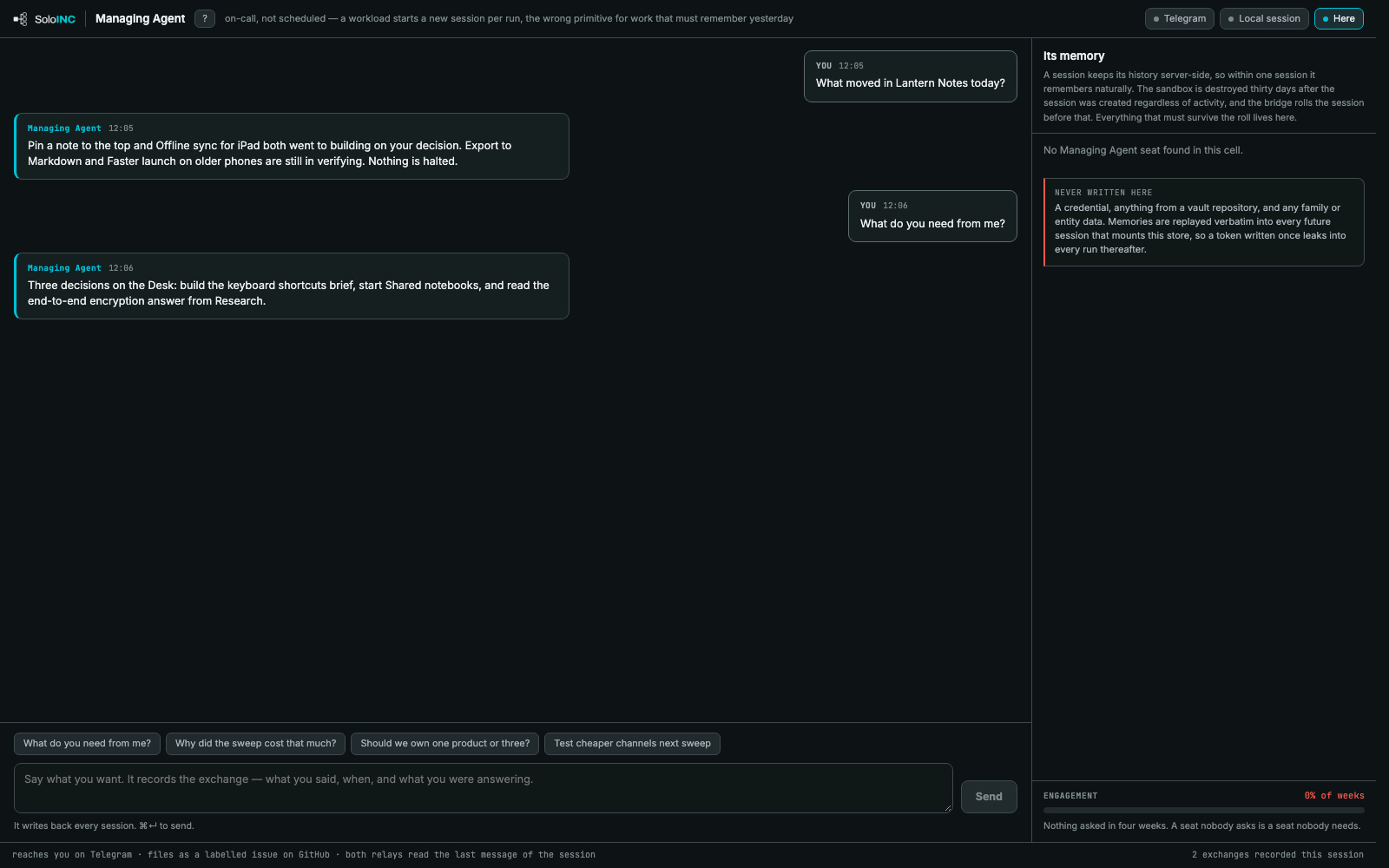
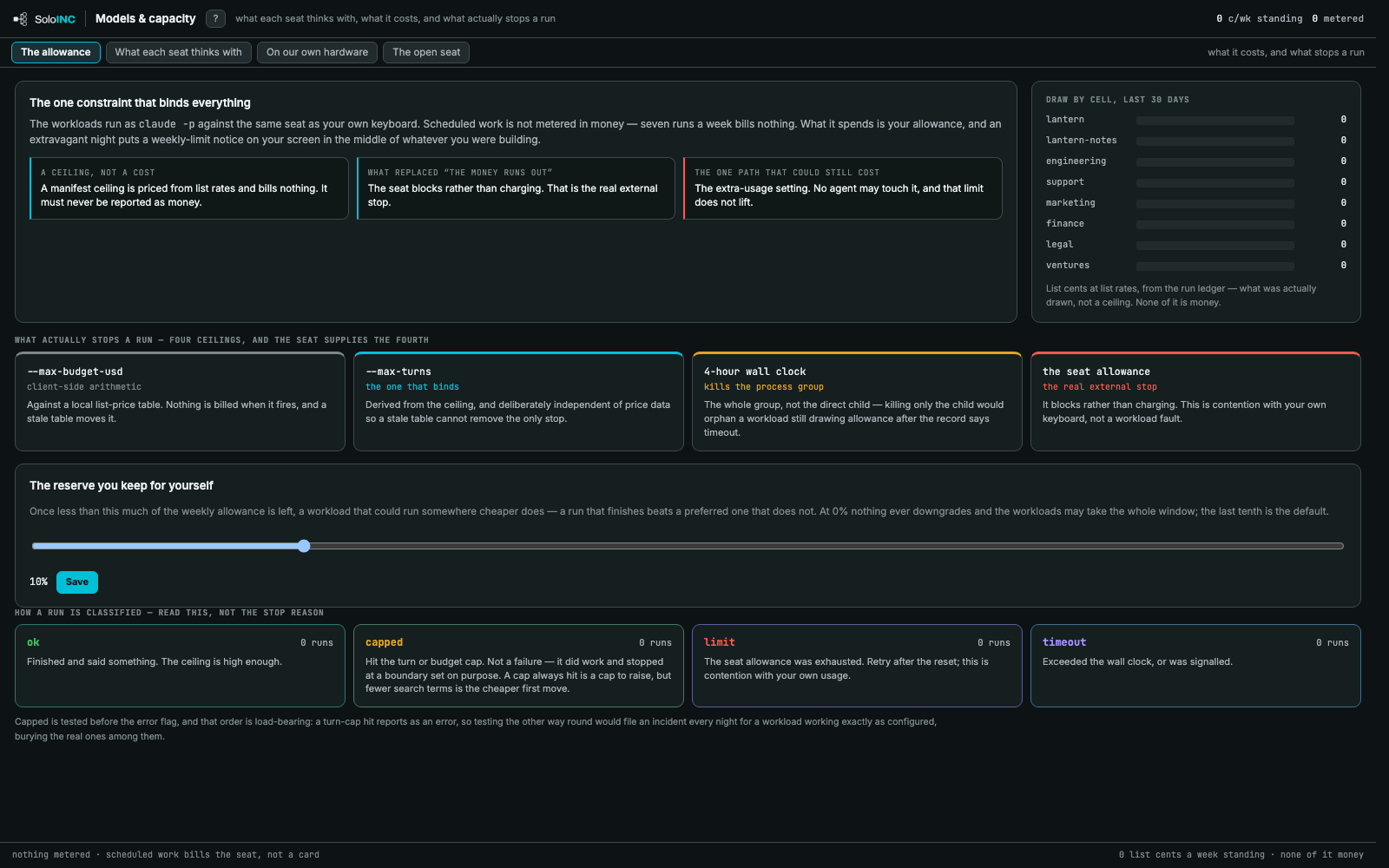
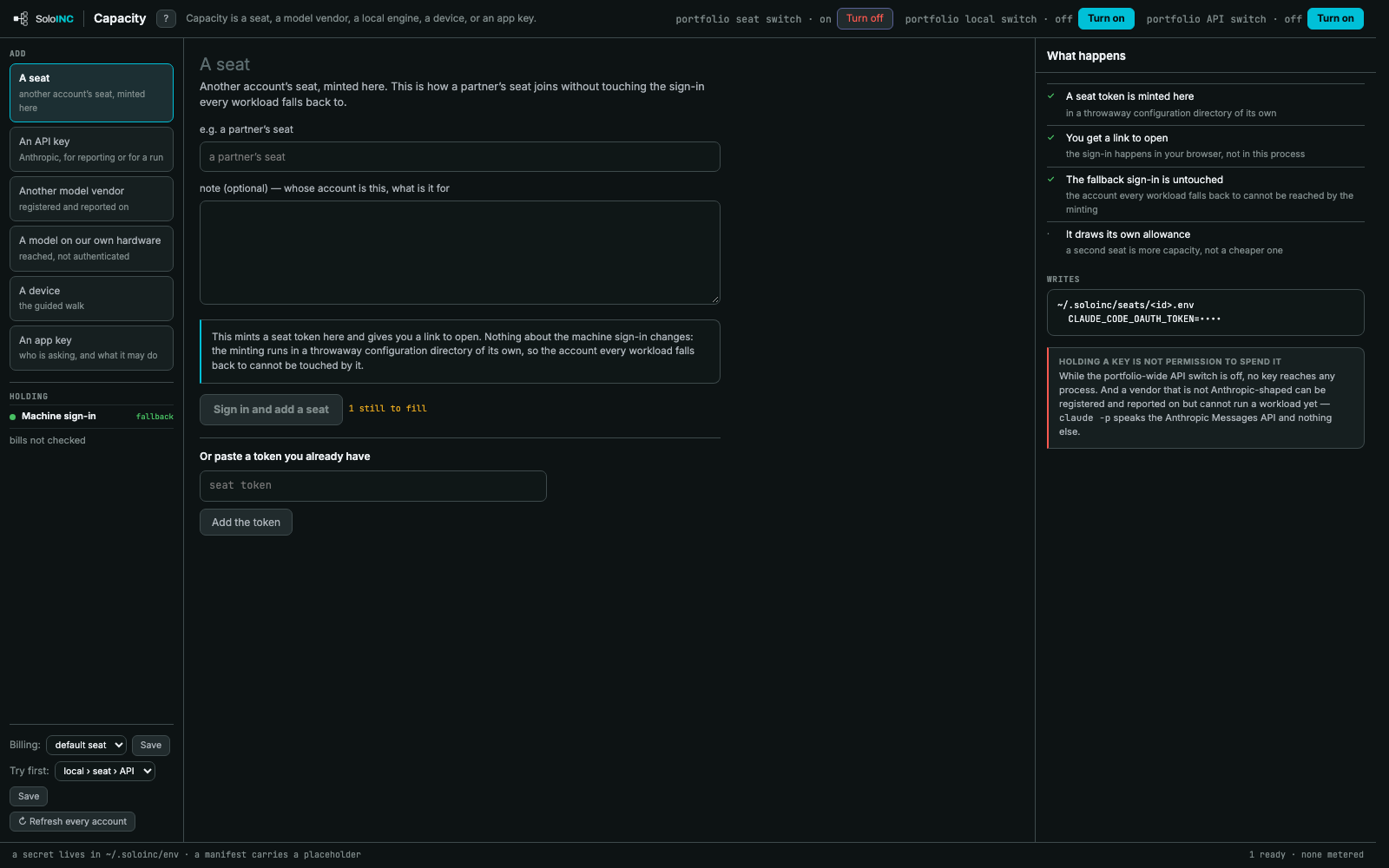
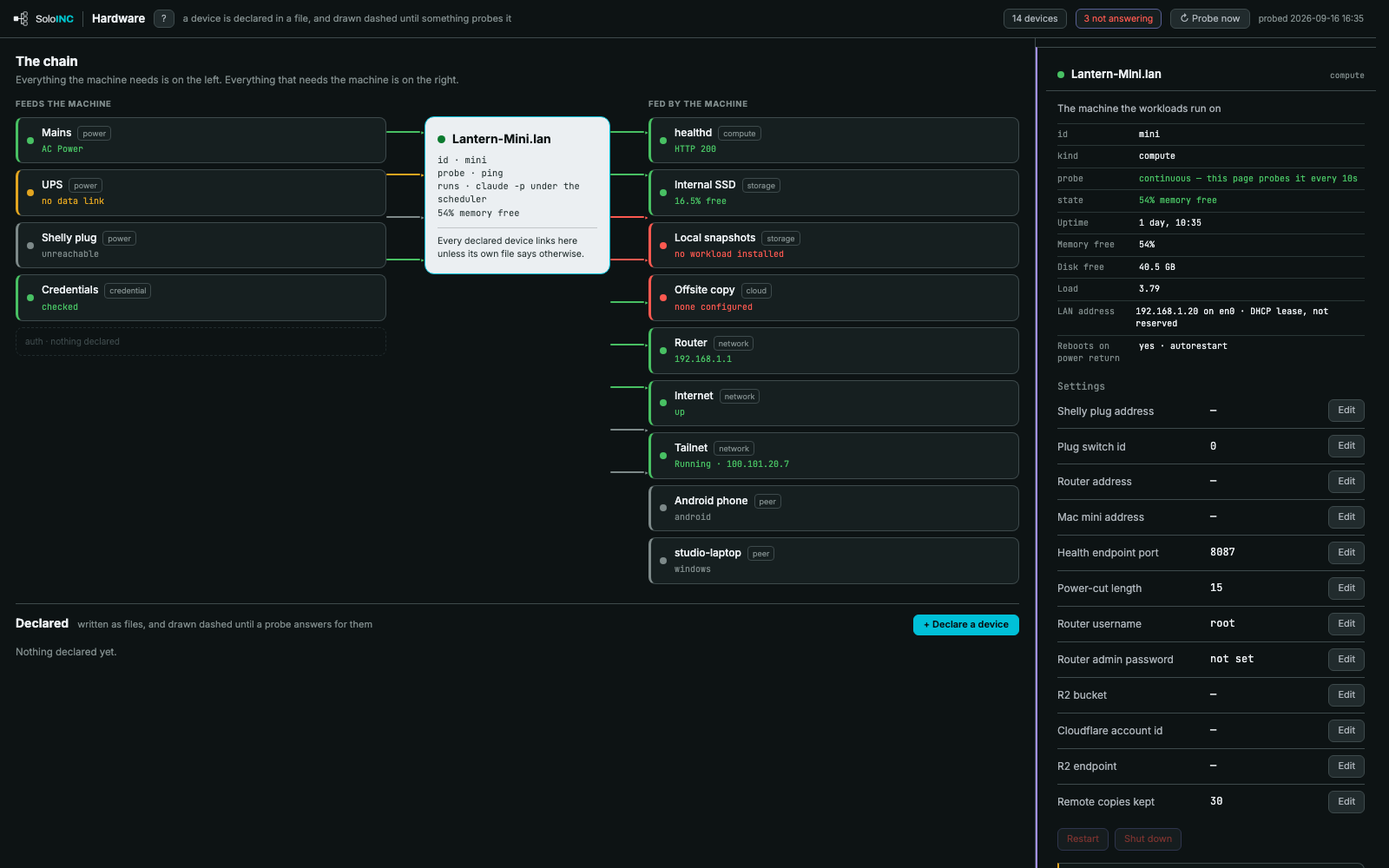
Pipeline boardOne pipeline as columns of stages, each card an item with its age, and the gated Desk stage marked.Pipeline board — itemAn item opened on the board: its stage, owner, age, fields, handoff and returns.Pipeline board — Work lensThe same board showing which workload covers each item's stage.Pipeline board — People lensThe board showing who owns each box: a role, a seat, the Human or the workloads.Pipeline board — Risk lensThe board showing gates, decisions waiting and each item's SLA.Pipeline board — Time lensThe board with a rewind slider that replays when things moved.Pipeline board — Governance lensThe board showing risk tier, autonomy and human oversight on every box.Send a card into a pipelineStart work: an idea, repository, app listing or live site sent into a pipeline's first stage.ScheduleThe Command Center's schedule panel: every workload in the cell, its cron or manual trigger, with run and cron controls.RunsWhat is running now; each run shows its stage, elapsed time and turns against its ceiling.WorkforceWho answers for what: agents hired where they work, human roles, and agents brought in from pinned outside sources.ComposeCompose an agent from a sentence or a catalog role; the right side shows the files it would write.Compose — PipelineCompose a pipeline from a sentence or a catalog of ready-made pipelines, each ending at a Desk.Managing AgentThe conversation with the Managing Agent, with the memory it keeps and how often it is asked.Models & capacityThe seat allowance, the four ceilings that stop a run, the reserve you keep, and how runs are classified.CapacityAdd a seat, API key, model vendor, local model, device or app key, with what each addition writes.HardwareThe machine as a chain: what feeds it, what it feeds, live probe results and its settings.
Decide
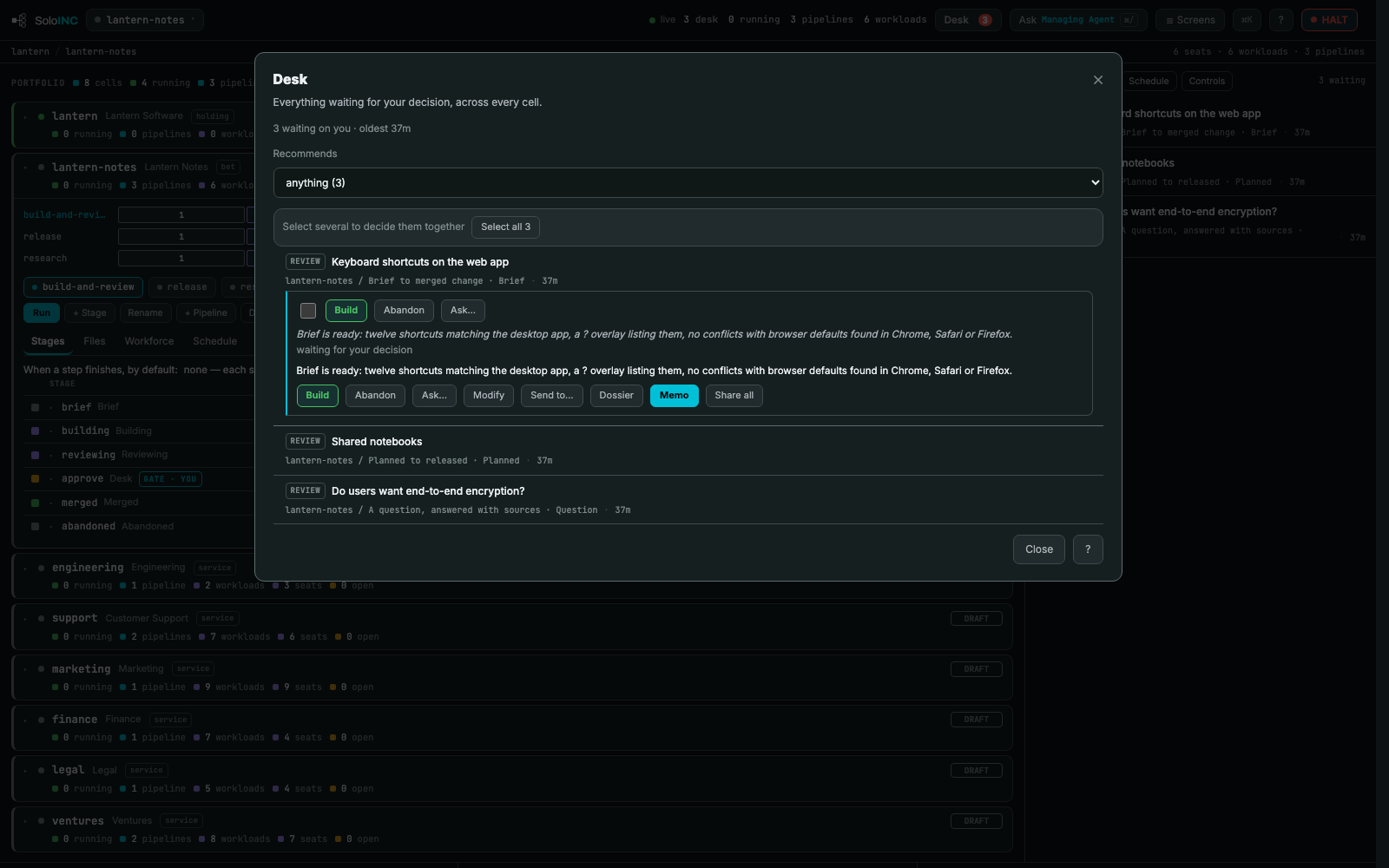
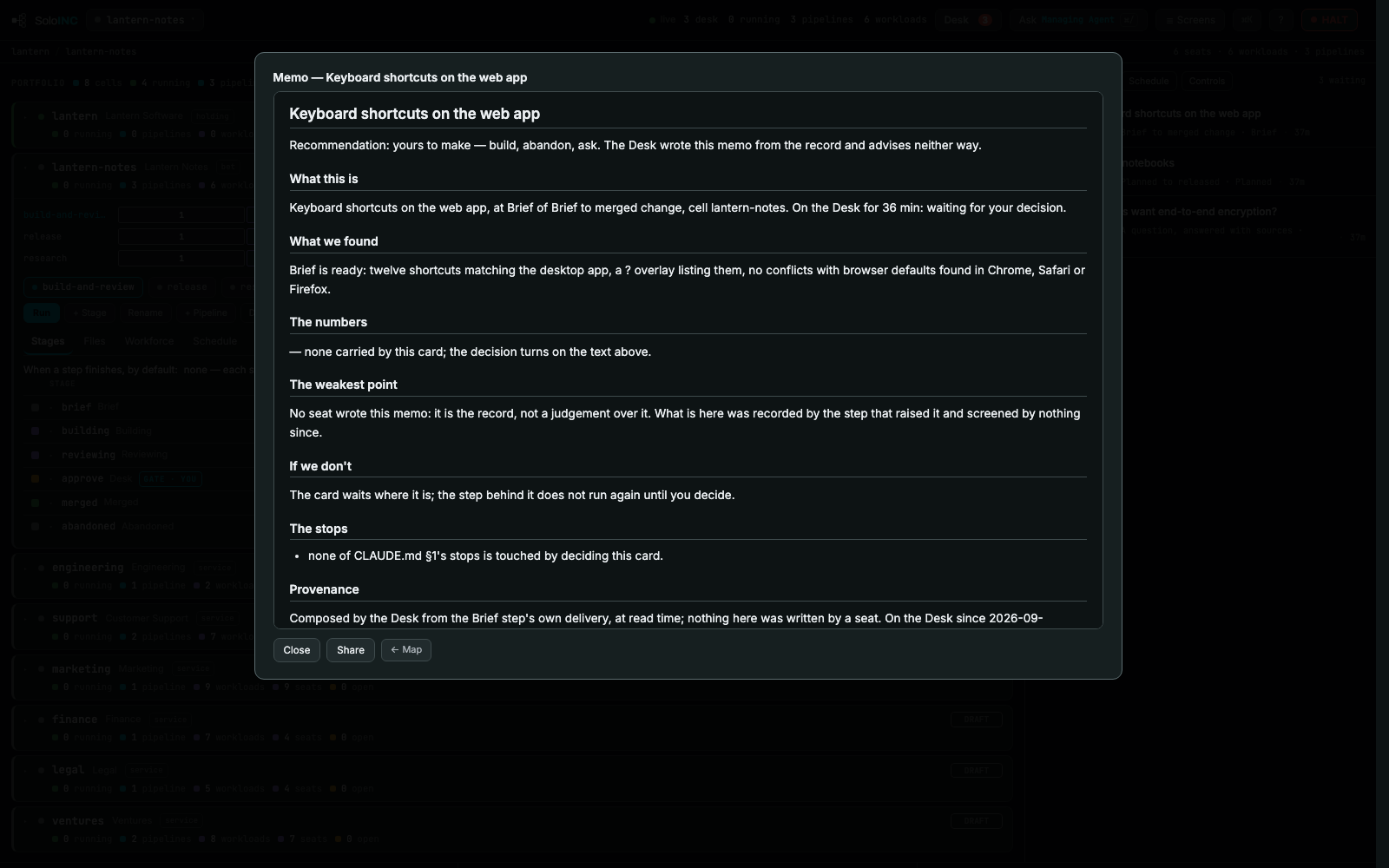
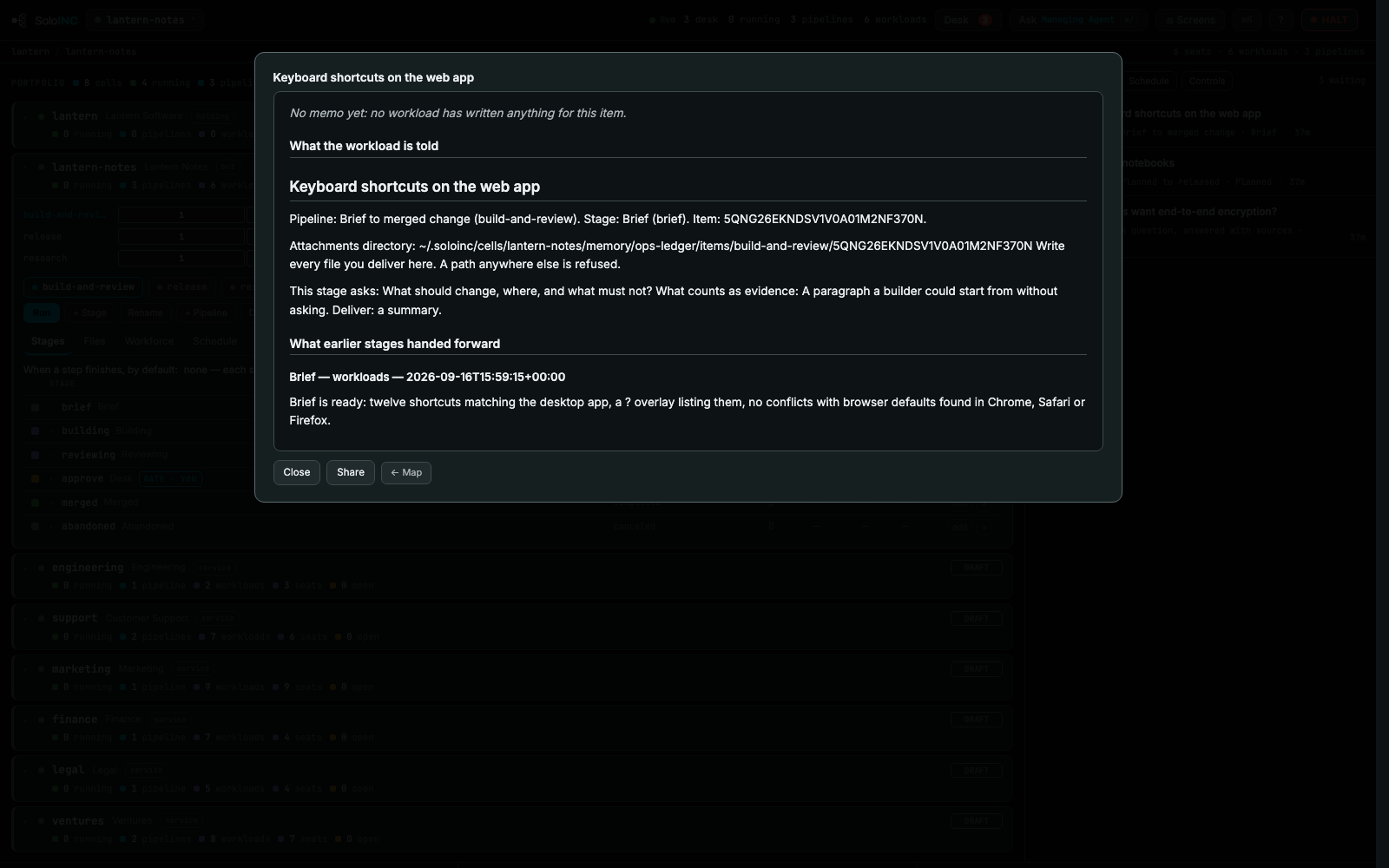
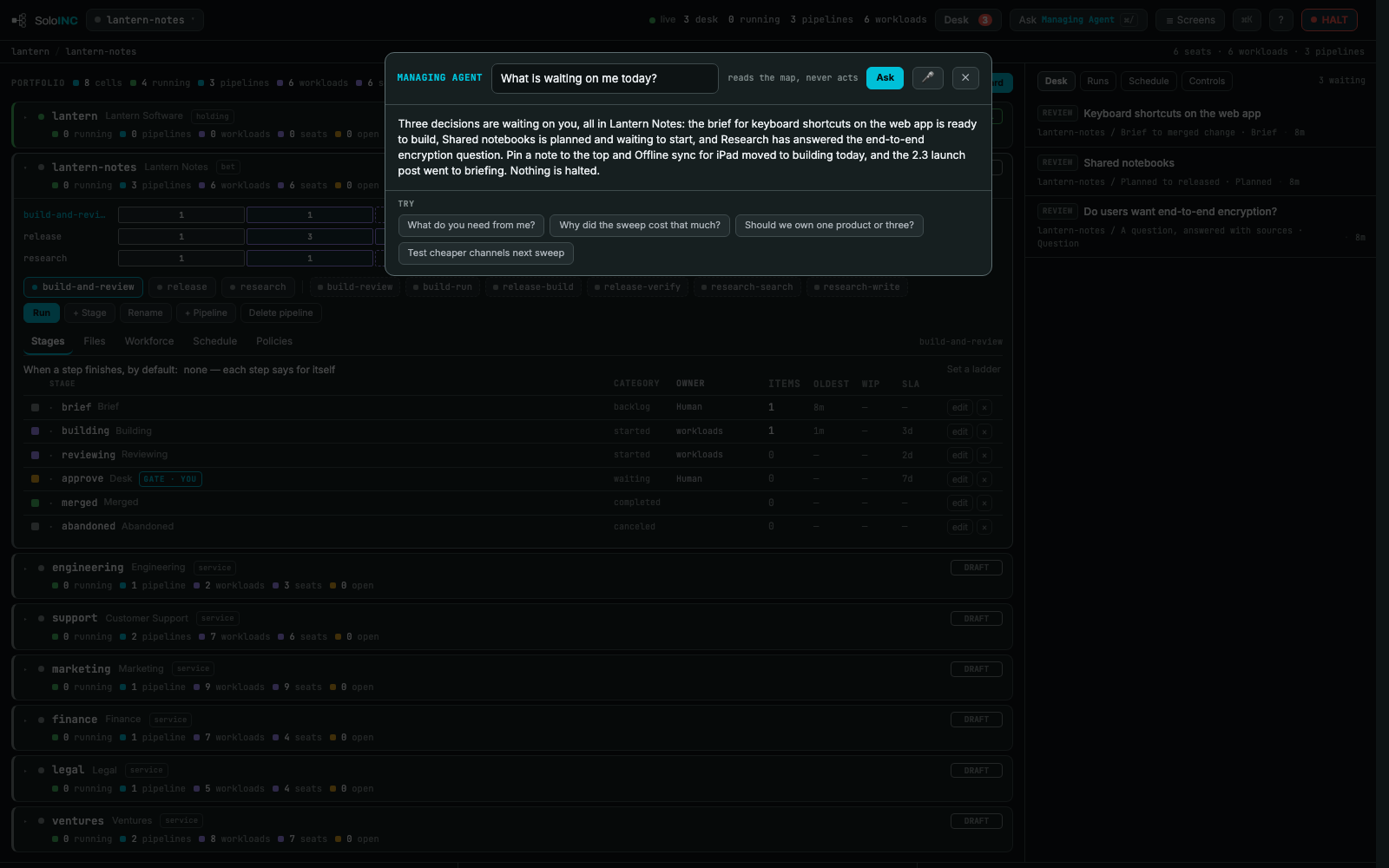
DeskEverything waiting for your decision across every cell, with each card's summary and its verbs.MemoThe decision memo for a Desk card: what it is, what was found, the numbers, the weakest point and the stops.DossierEverything every stage handed forward for one item, as one document you can share.Ask Managing AgentAsk the map a question from any screen; the agent reads the map and never acts.
Govern
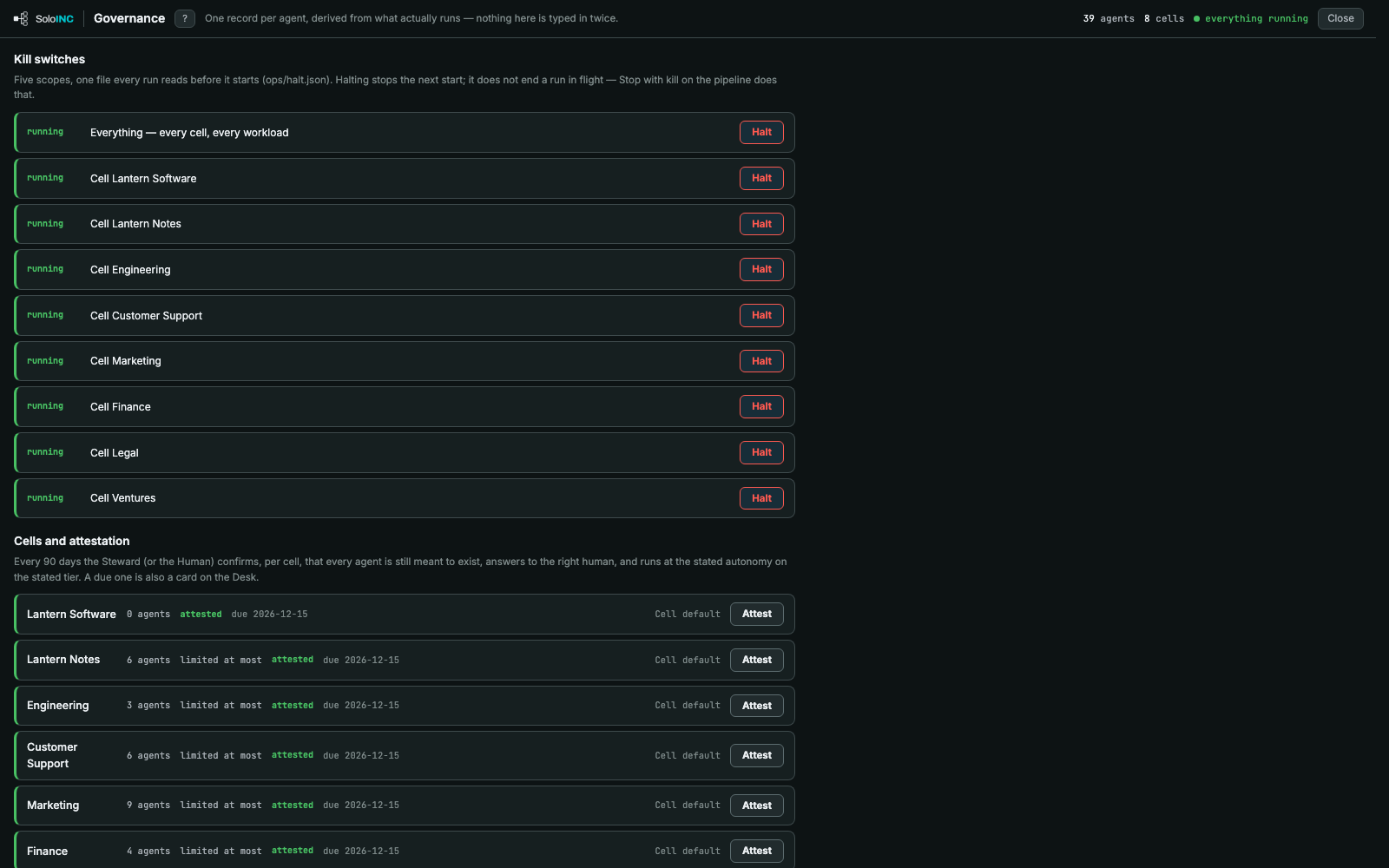
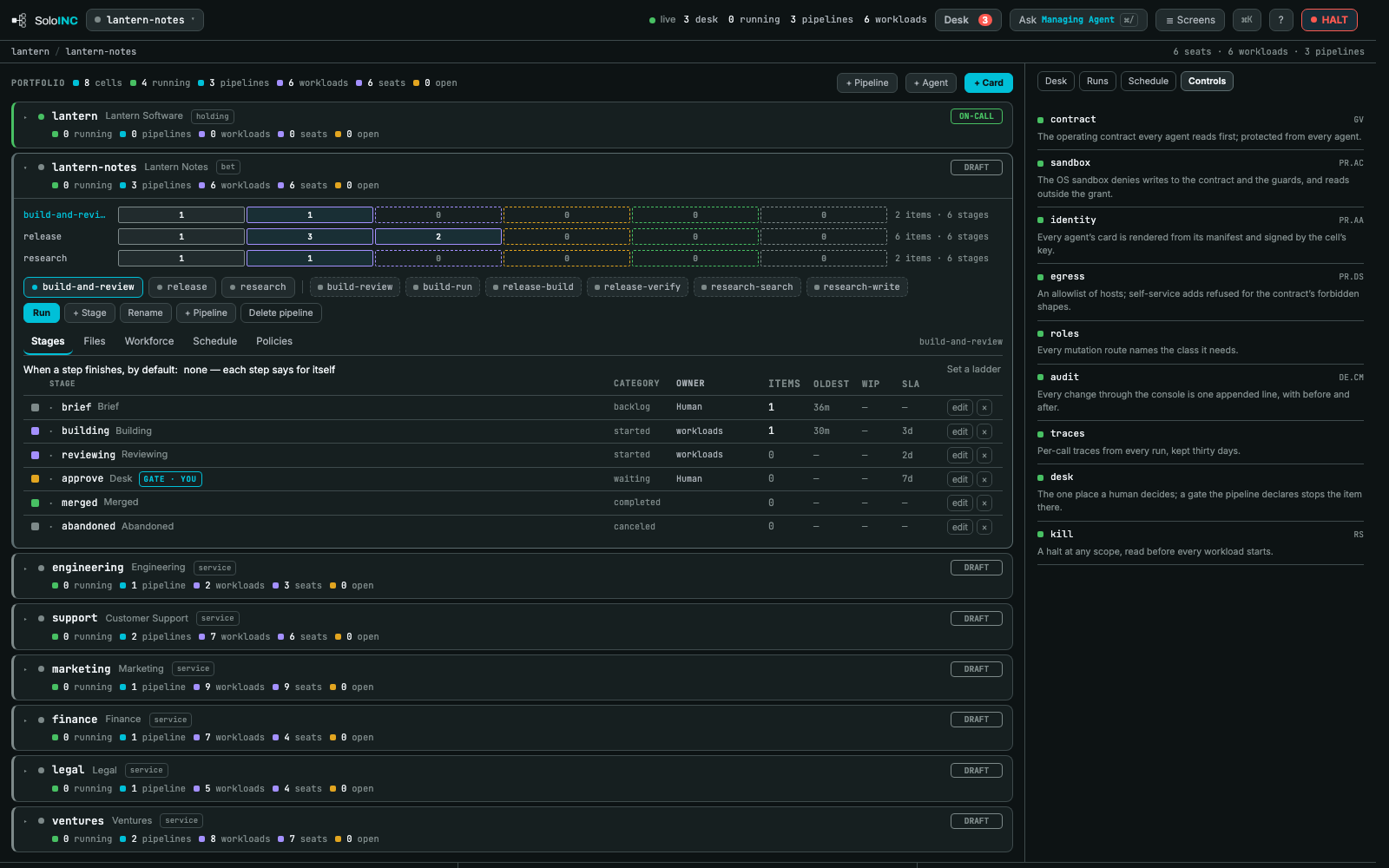
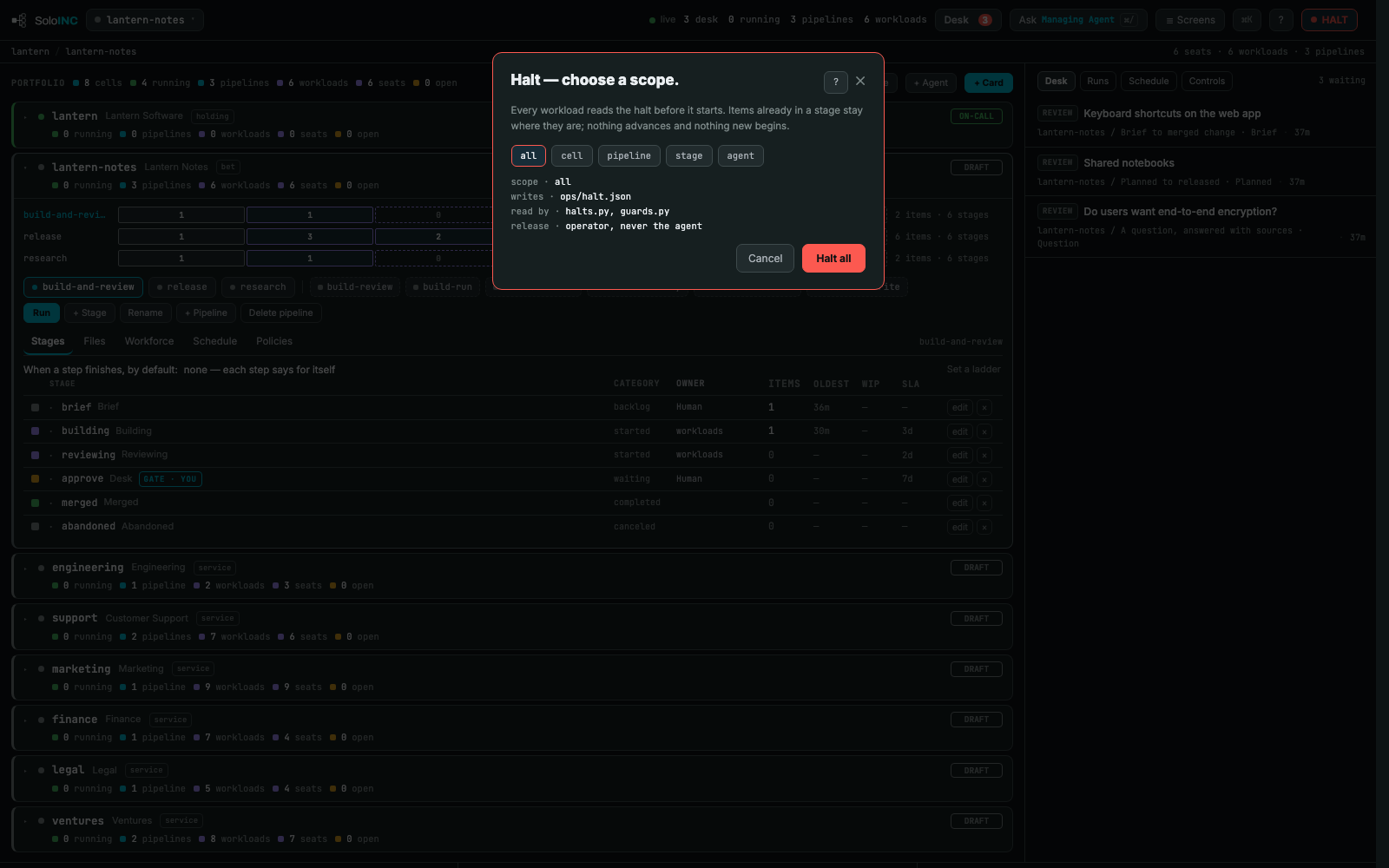
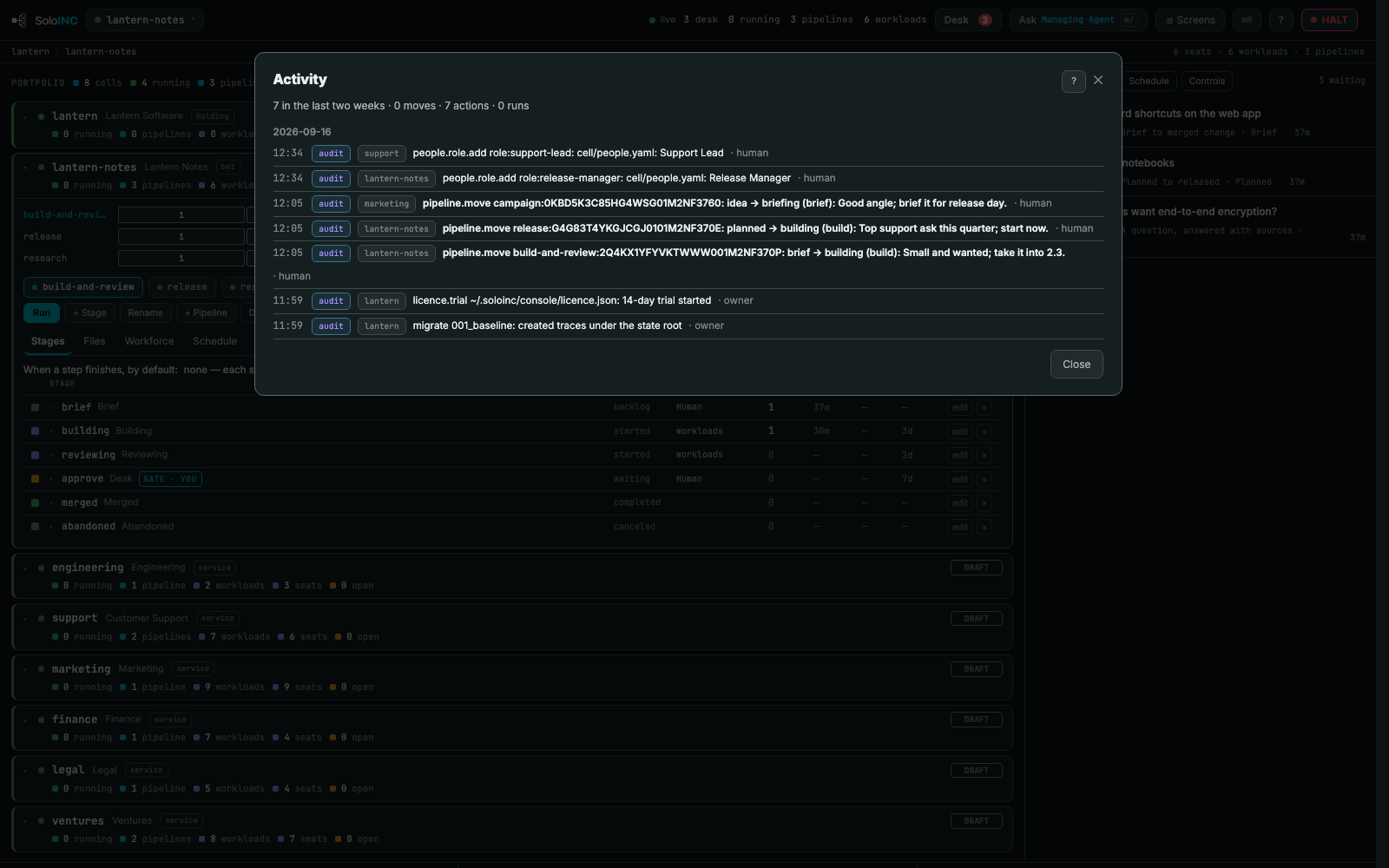
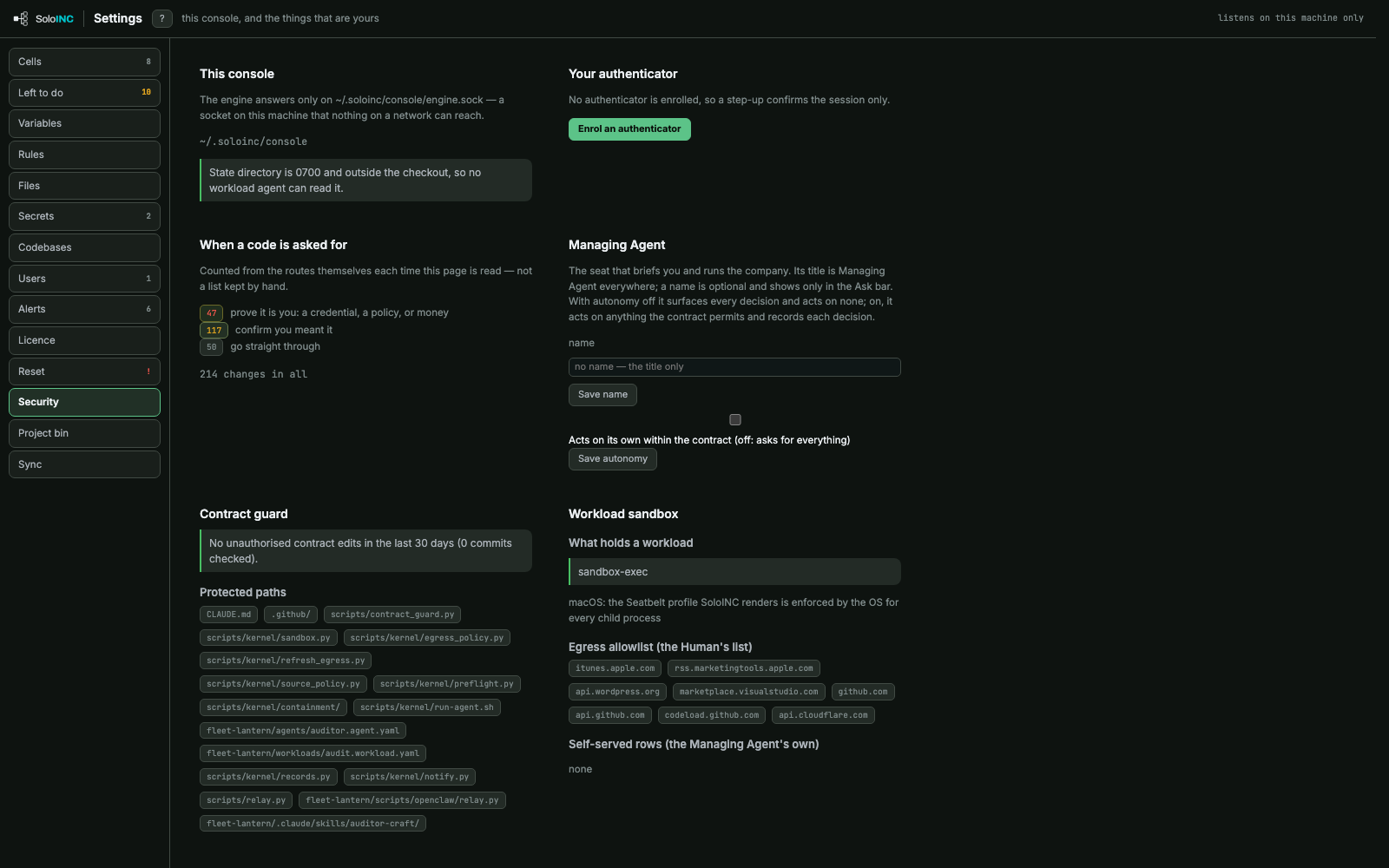
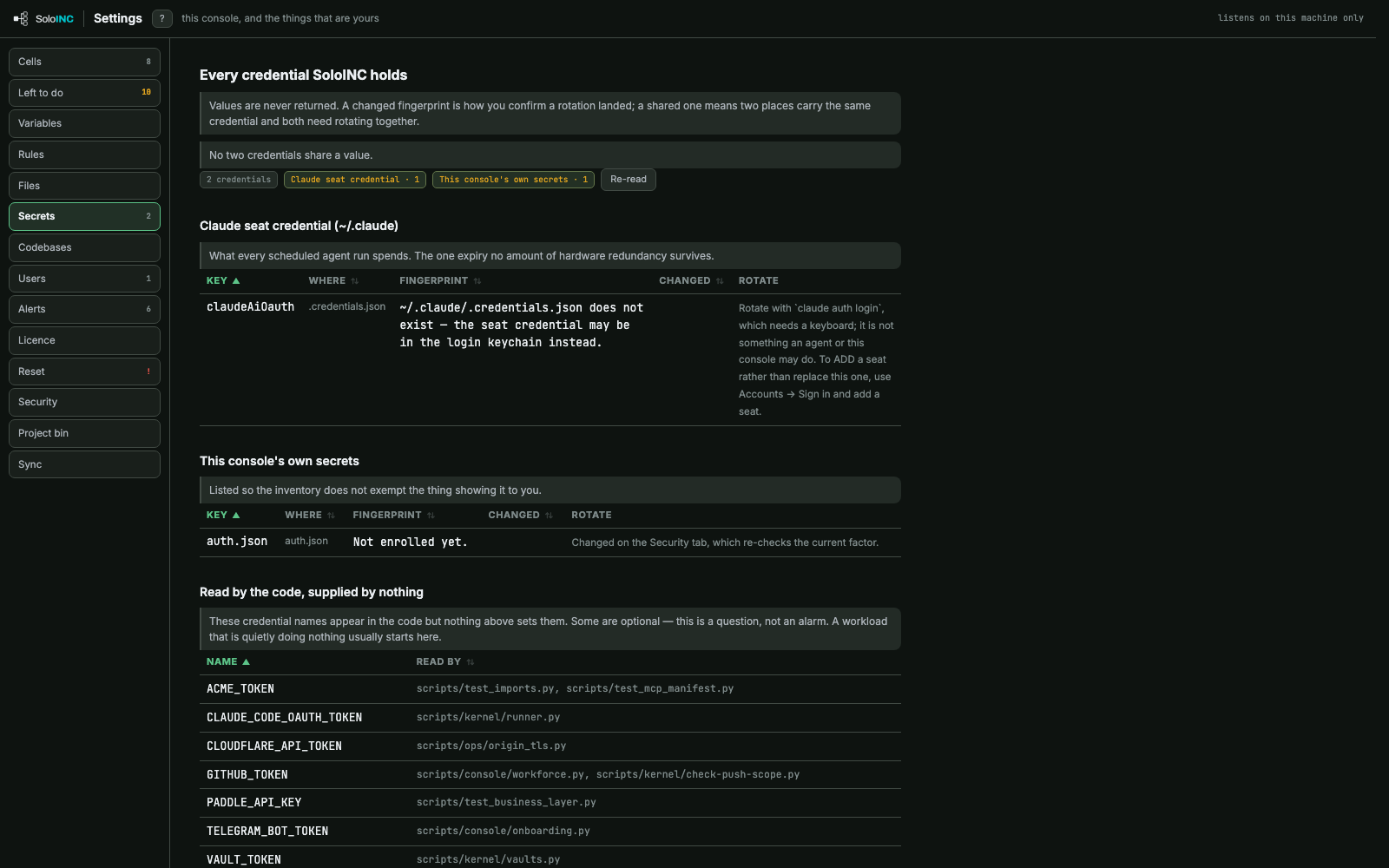
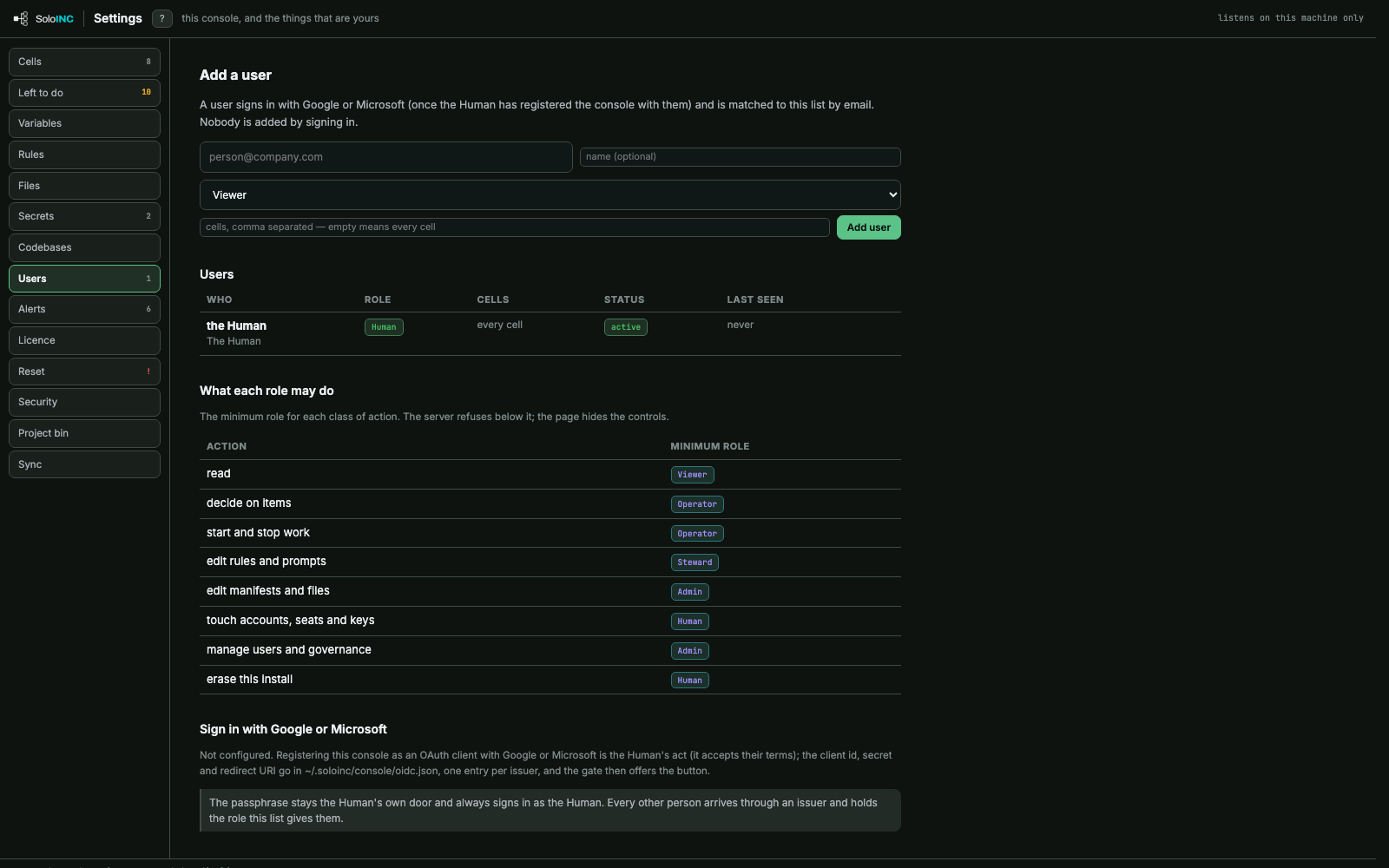
GovernanceKill switches for everything and each cell, and the per-cell attestation of every agent.ControlsThe controls in force: contract, sandbox, identity, egress, roles, audit, traces, Desk and kill switch.HaltStop work at a scope you choose: everything, a cell, a pipeline, a stage or an agent.ActivityThe record of what happened: every decision, move and change, with its note and who made it.SecurityWhere the engine listens, the authenticator, step-up counts, the contract guard, sandbox and egress allowlist.SecretsEvery credential the install holds, by fingerprint only, and the credential names the code reads.UsersAdd users by role and cell, and see the minimum role each class of action needs.AlertsThreshold rules on numbers the console already computes, with a dry run of what would fire now.
Configure
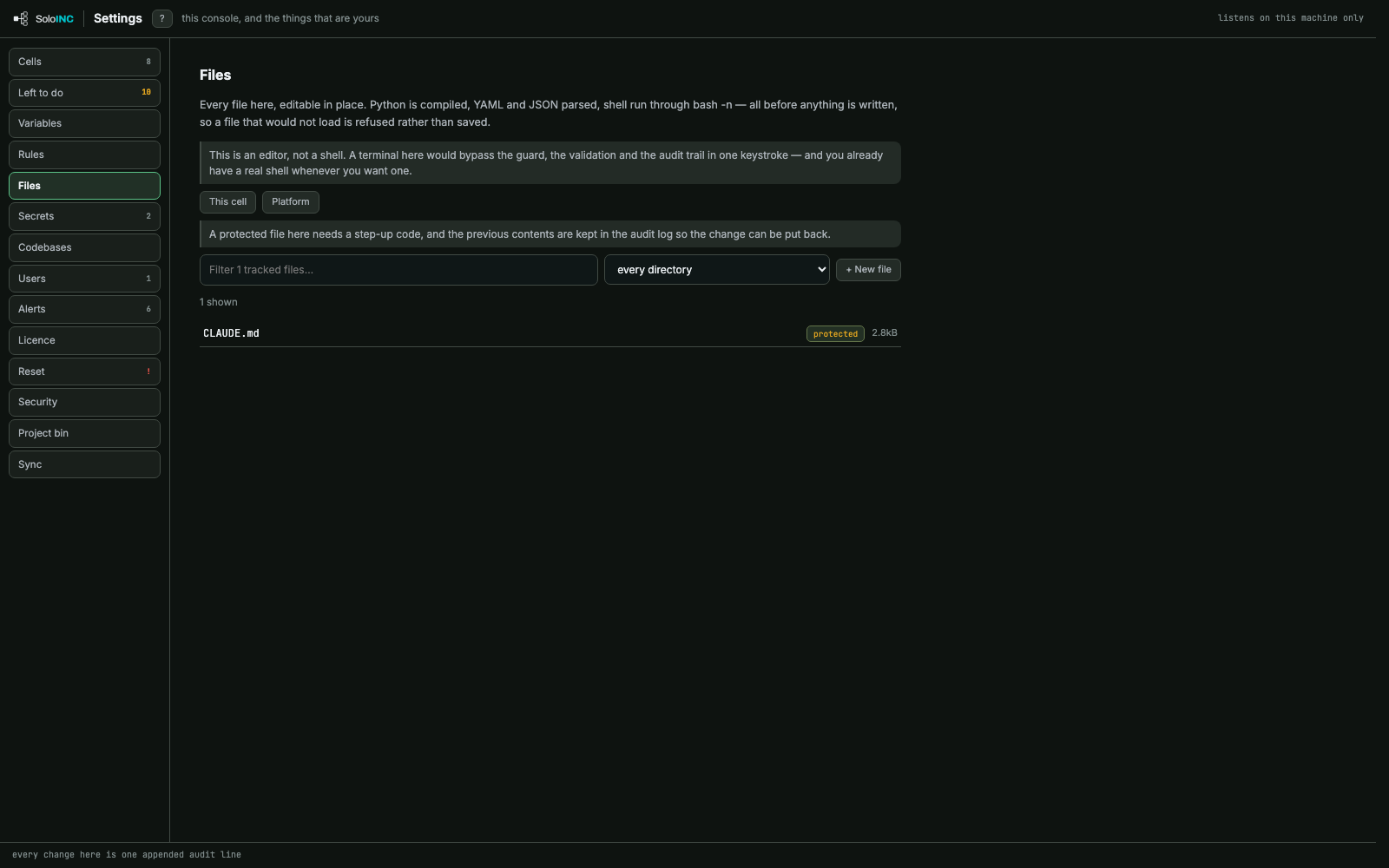
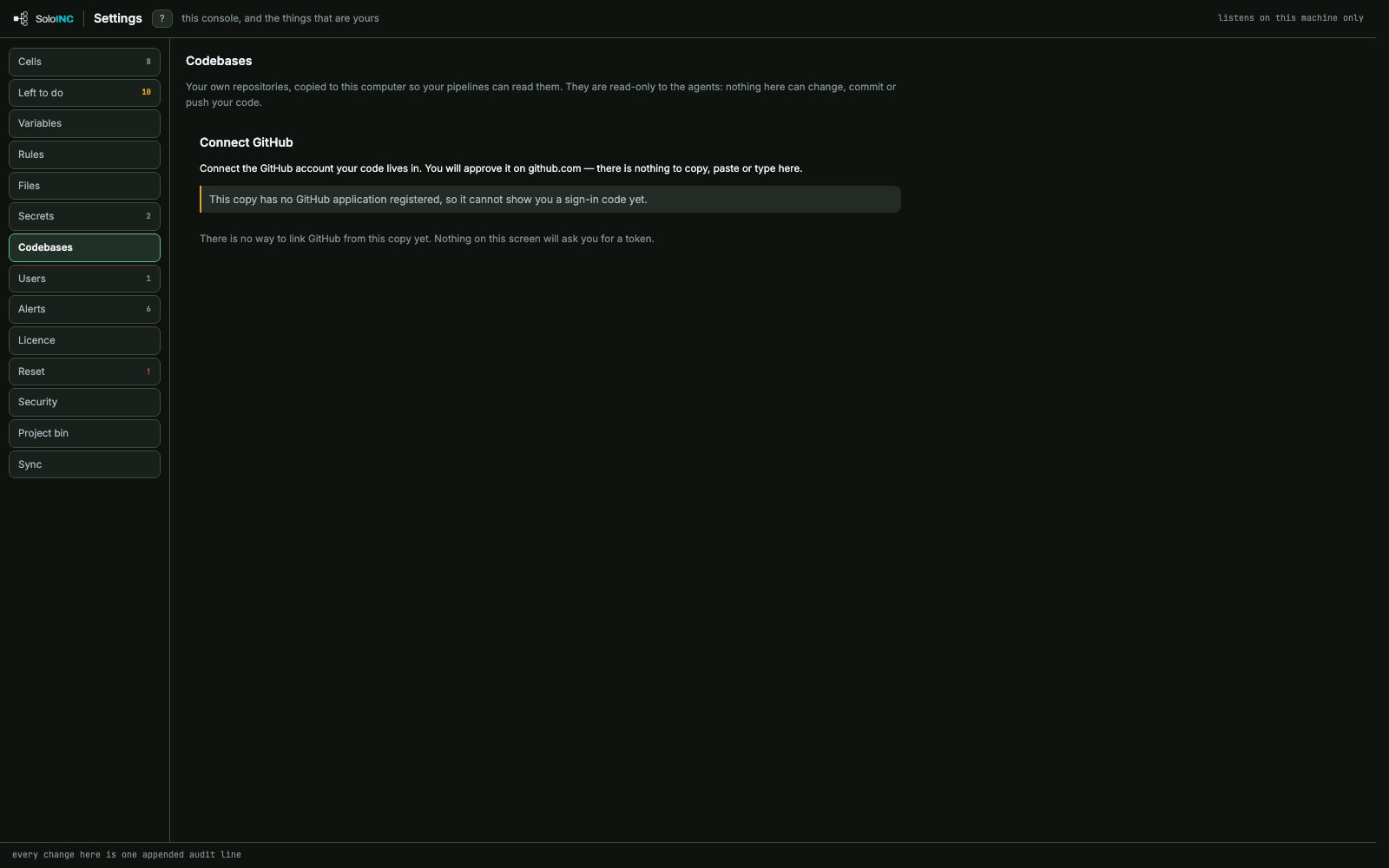
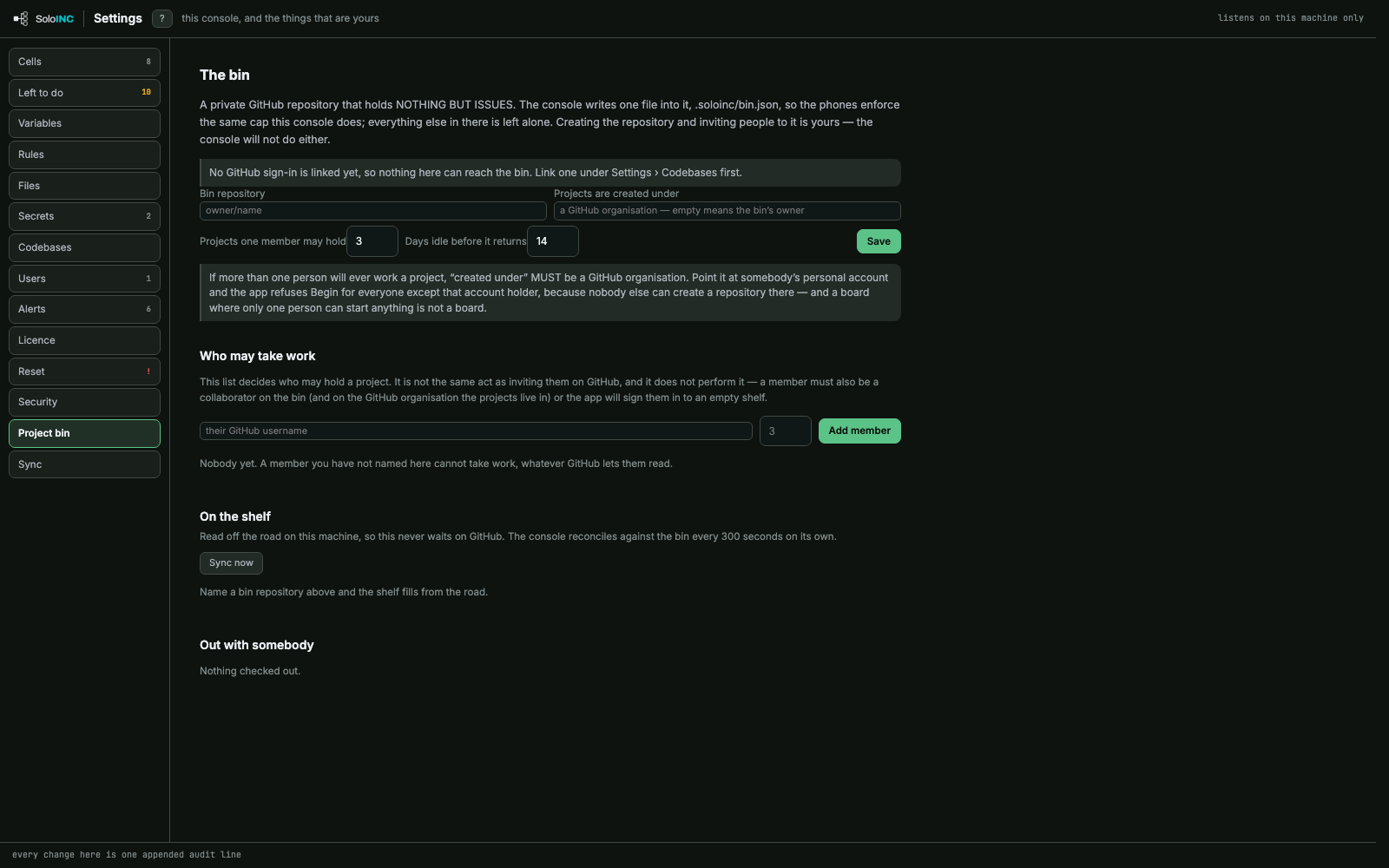
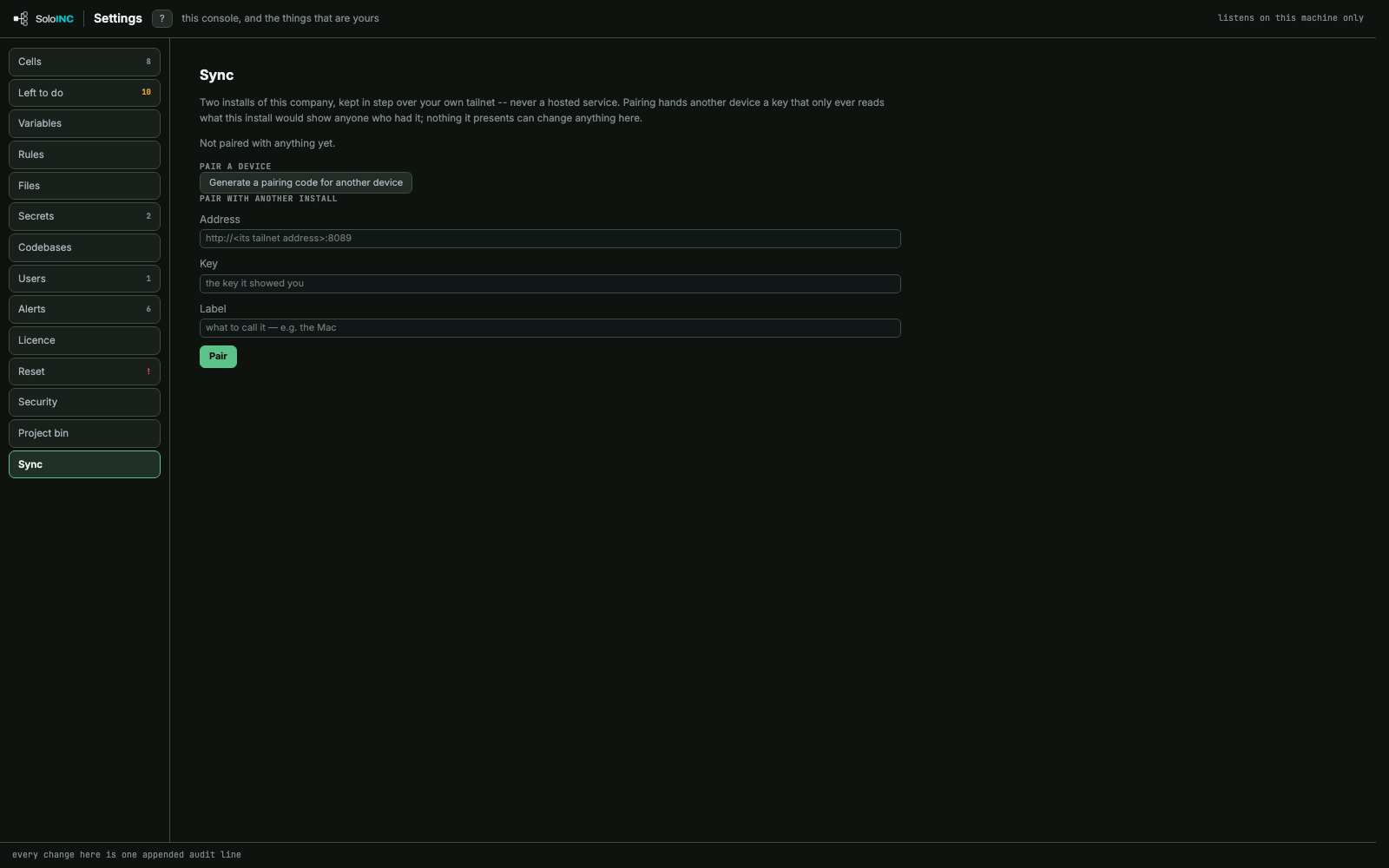
CellsAdd a cell and manage every existing one: its kind, parent, billing seat and status.Left to doEverything the install still needs from you, each as a button rather than a command.RulesConsole and cell rules rendered into every agent's prompt, and the contract's sections.FilesAn editor for the cell's and platform's files, validated before anything is saved.CodebasesConnect the GitHub account your repositories live in, read-only to agents.Project binA private GitHub repository of issues where team members take projects, with who may hold how many.SyncPair two installs of the same company over your own tailnet.ResetWays to put the console back, from its look to the whole company, each moved to a restore point.